
Support Video Guides
Here, you’ll find instructional video guides with supporting text designed to help you, as a CellGate Dealer, better educate and assist your customers. Any content you find in this section may be copied and used on your own website.
Entría Four Door Controller Installation
Installing the Entría Four Door Controller: Wiring, Expansion Boards, Relays, and Cameras Jul 16, 2024 | Support Resource, Entría Tap for Sound This walks the installation of the Entría Four Door Controller end to end: package contents...
Entria Single Door Controller Mullion Installation
Installing the Entría Single Door Controller Mullion: Wiring to Mounting Jul 16, 2024 | Support Resource, Entría Tap for Sound This walks the mullion installation of the Entría Single Door Controller: what comes in the box, the wiring...
Entria Single Door Controller Enclosed Installation
Installing the Entría Single Door Controller: Enclosed Installation, Wiring to Power-Up Jul 16, 2024 | Support Resource, Entría Tap for Sound This walks the enclosed installation of the Entría Single Door Controller end to end: what to...
Entría Single Door Controller Self Registration
Entría Single Door Controller: Register Your Controller Yourself in the CellGate App Apr 20, 2026 | Support Resource, CellGate App Tap for Sound You can register your Entría Single Door Controller yourself from the CellGate app in a few...
Answering a Voice Call in the CellGate App
Answering a Voice Call: Talk to Your Visitor and Open the Gate by Phone Apr 20, 2026 | Support Resource, CellGate App Tap for Sound If you are set up for voice calls, a visitor at the gate reaches you as a regular phone call, no app required. This shows...
Watchman Hold Open Code
The Watchman Hold Open Code: Keep a Gate or Door Open When You Need To Apr 20, 2026 | Support Resource, CellGate App CellGate Resource Watchman Hold Open Code Open the flipbook A Hold Open code keeps a Watchman gate or door open until the same code is...
WXL End User Guide
Watchman WXL End User Guide Apr 20, 2026 | Support Resource, Watchman CellGate Resource Watchman WXL End User Guide Open 5-page End User Guide The Watchman WXL end-user guide is available above as a 5-page guide. Open it to view, or reach CellGate Customer...
Halo End User Guide
The CellGate Halo Reader: Enter with a Card, Fob, or Bluetooth Apr 20, 2026 | Support Resource, Readers CellGate Resource Halo End User Guide Open the flipbook The CellGate Halo reader lets residents and employees enter with a card, a fob, or their phone...
The Watchman Hold Open Code
The Watchman Hold Open Code: Keep a Gate or Door Open When You Need To Apr 20, 2026 | Support Resource, CellGate App CellGate Resource Watchman Hold Open Code Open the flipbook A Hold Open code keeps a Watchman gate or door open until the same code is...
Watchman W480 End User Guide
Watchman W480 End User Guide: Every Way Into the Property Apr 20, 2026 | Support Resource, Watchman CellGate Resource Watchman W480 End User Guide Open the flipbook The Watchman W480 gives residents and visitors several ways in: an access code on the...
W450 End User Guide
Watchman W450 End User Guide Apr 20, 2026 | Support Resource, Watchman CellGate Resource Watchman W450 End User Guide Open 1-page End User Guide The Watchman W450 end-user guide is available above as a single page. Open it to view, or reach CellGate...
W410 End User Guide
Watchman W410 End User Guide Apr 20, 2026 | Support Resource, Watchman CellGate Resource Watchman W410 End User Guide Open 1-page End User Guide The Watchman W410 end-user guide is available above as a single page. Open it to view, or reach CellGate...
Entría Elevator Controller CellGate App Guide
Entría Elevator Controller: CellGate App Guide Apr 20, 2026 | Support Resource, CellGate App CellGate Resource Entría Elevator Controller App Guide Open the flipbook The Entría Elevator Controller lets residents call the elevator from the...
Entría Elevator Controller
Entría Elevator Controller: Admin Portal Guide Apr 20, 2026 | Support Resource, CellGate App CellGate Resource Entría Elevator Controller Admin Portal Guide Open the flipbook The Entría Elevator Controller is managed from the TrueCloud...

Download and Share Photos from the CellGate App
Download & Share Photos from the CellGate App: Save a Gate Photo or Send It On Apr 20, 2026 | Support Resource, CellGate App CellGate Resource Download and Share Photos from the CellGate App Open the flipbook The CellGate app lets you download a gate...
Configure Photo Download and Sharing Single-Family
Configure Photo Download & Sharing: Single-Family Properties Apr 20, 2026 | Support Resource, CellGate App CellGate Resource Configure Photo Download and Sharing for Single Family Properties Open the flipbook At single-family properties, whether a user...

Download & Share Photos from the CellGate App
Configure Photo Download & Sharing: Multifamily Properties Apr 20, 2026 | Support Resource, CellGate App CellGate Resource Configure Photo Download and Sharing for Multifamily Properties Open the flipbook At multifamily properties, whether residents...

CG Installer Dealer App
The CellGate CG Installer Dealer App: Manage, Test, and Install Devices from the Field Apr 20, 2026 | Support Resource, OmniPoint Tap for Sound The CG Installer (Dealer) app is the field tool for managing CellGate devices: trigger and test gates, tune...
Watchman WXL Installation
Watchman WXL Installation: Mounting to a Pedestal Apr 20, 2026 | Support Resource, OmniPoint Tap for Sound Mounting a Watchman WXL to a pedestal is a short, exact job: align it to the back plate, seat the pre-installed gasket, and drive the corner screws....
OpenSignal App Tutorial
Single-Family Registration: Activate Your System After the Support Call Apr 20, 2026 | Support Resource, CellGate App Tap for Sound Single-family registration picks up after your call to CellGate support: a registration email walks you through billing,...
Single-Family Registration Guide
Single-Family Registration: Activate Your System After the Support Call Apr 20, 2026 | Support Resource, CellGate App Tap for Sound Single-family registration picks up after your call to CellGate support: a registration email walks you through billing,...
CellGate Self-Registration Guide
CellGate Self-Registration: Register Your Watchman W410 or W450 Yourself Apr 20, 2026 | Support Resource, CellGate App Tap for Sound CellGate self-registration lets you activate a Watchman W410 or W450 yourself from the app, with or without the...
QR Code Visitor Passes
QR Code Visitor Passes: Recurring, Temporary, and Single-Use, Explained Apr 20, 2026 | Support Resource, CellGate App Tap for Sound A QR Code Visitor Pass is a barcode you send a guest by text or email to let them through the gate. There are three kinds,...
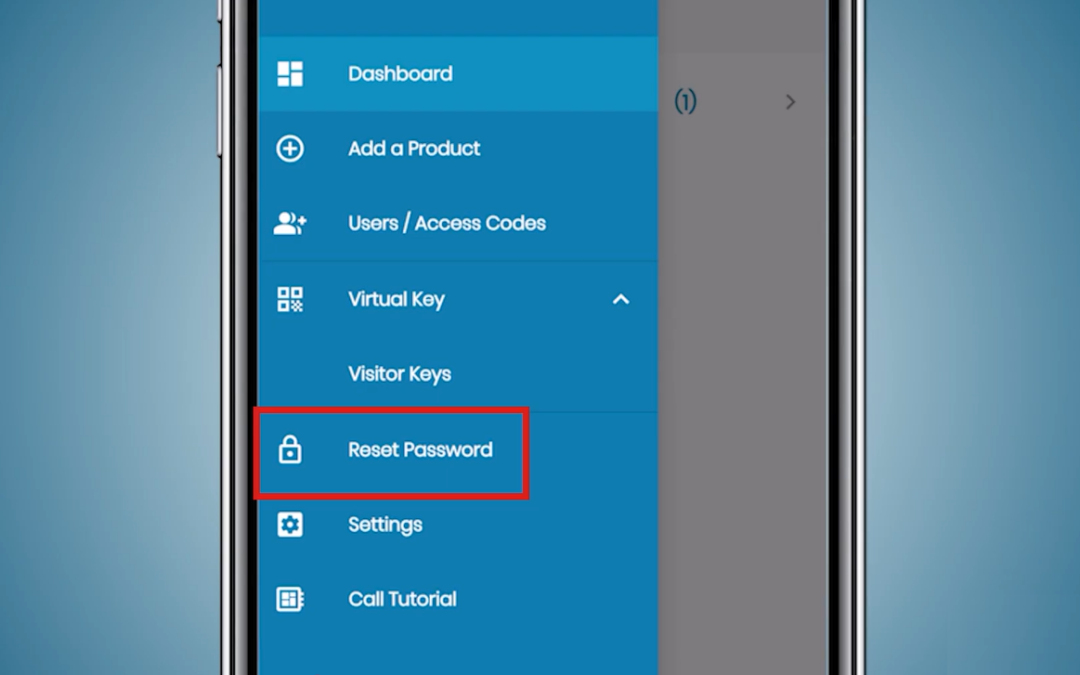
Resetting Your Password
Resetting Your Password: Change It, or Recover a Forgotten One Apr 20, 2026 | Support Resource, CellGate App Tap for Sound You can change your CellGate app password from the menu in a few taps, and if you have forgotten it, recover access by email. This...
Enabling Face ID & Fingerprint ID
Enabling Face ID & Fingerprint ID: Log In Without Typing Your Password Apr 20, 2026 | Support Resource, CellGate App Tap for Sound Biometric sign-in lets you open the CellGate app with your face or fingerprint instead of typing a password. This shows...

Answering a Video Call
Answering a Video Call: See Your Visitor Live and Open the Gate Apr 20, 2026 | Support Resource, CellGate App Tap for Sound When a visitor calls from the gate, the CellGate app rings your phone with live video so you can see who it is and let them in with...

Downloading the App & Logging In
Downloading the App & Logging In: Get the CellGate App and Sign In Apr 20, 2026 | Support Resource, CellGate App Tap for Sound Getting started with the CellGate app takes two steps: download it from your phone’s app store, then log in with the...
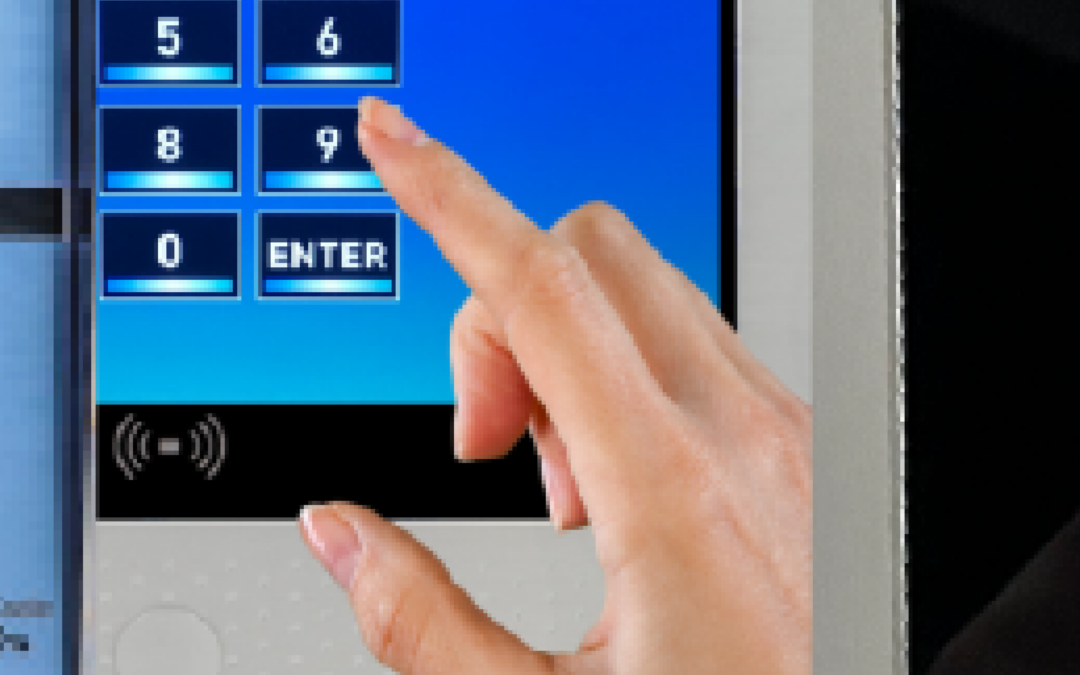
Sharing a PIN Single-Use Visitor Pass
Sharing a PIN Single-Use Visitor Pass: Send the Code by Text or Email Apr 20, 2026 | Support Resource, CellGate App Tap for Sound Once your PIN Single-Use Visitor Pass is created, sharing it takes a few taps: tap Share, pick text or email, choose the...
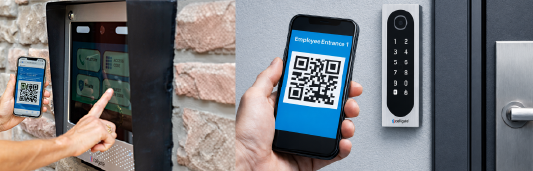
Sharing a PIN Temporary Visitor Pass
Sharing a PIN Temporary Visitor Pass: Send the Code by Text or Email Apr 20, 2026 | Support Resource, CellGate App Tap for Sound Once your PIN Temporary Visitor Pass is created, sharing it takes a few taps: tap Share, pick text or email, choose the...
Sharing a QR Single-Use Visitor Pass
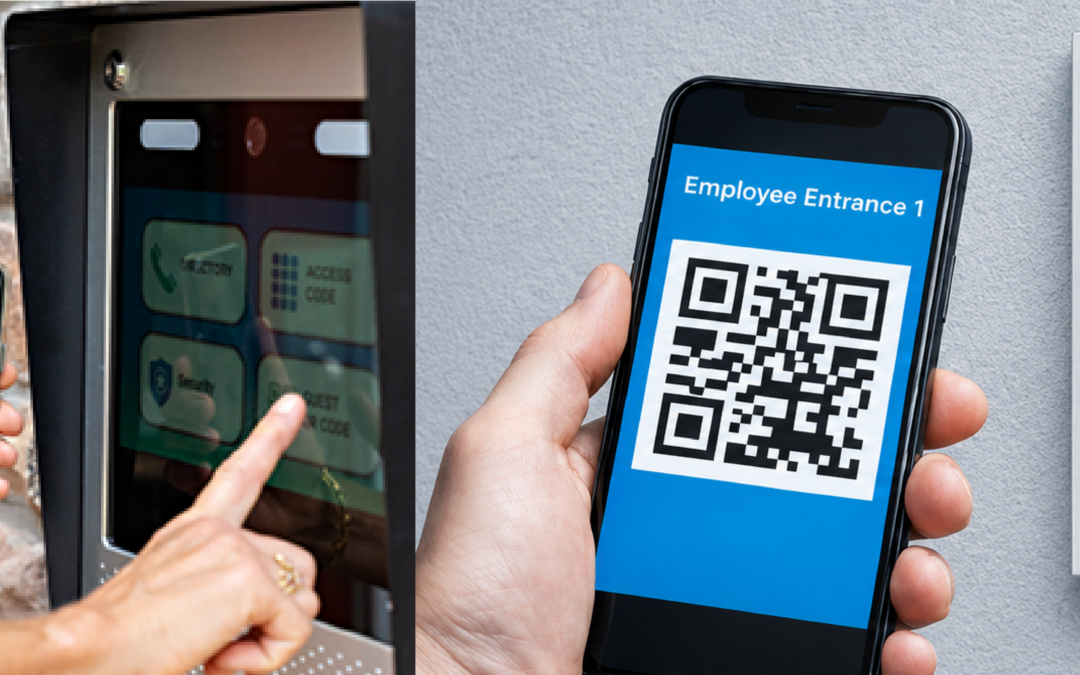
Sharing a QR Single-Use Visitor Pass: Send the Scan by Text or Email Apr 20, 2026 | Support Resource, CellGate App Tap for Sound Once your QR Single-Use Visitor Pass is created, sharing it takes a few taps: tap Share, pick text or email, choose the...
Sharing a QR Temporary Visitor Pass
Sharing a QR Temporary Visitor Pass: Send the Scan by Text or Email Apr 20, 2026 | Support Resource, CellGate App Tap for Sound Once your QR Temporary Visitor Pass is created, sharing it takes a few taps: tap Share, pick text or email, choose the...
Sharing a QR Recurring Visitor Pass
Sharing a QR Recurring Visitor Pass: Send the Scan by Text or Email Apr 20, 2026 | Support Resource, CellGate App Tap for Sound Once your QR Recurring Visitor Pass is created, sharing it takes a few taps: tap Share, pick text or email, choose the...
Creating a PIN Single-Use Visitor Pass
Creating a PIN Single-Use Visitor Pass: One-Time Code Access Apr 20, 2026 | Support Resource, CellGate App Tap for Sound A PIN Single-Use Visitor Pass is a numeric code for one-time access, ideal for a delivery driver who would rather type a code than...
Creating a PIN Temporary Visitor Pass
Creating a PIN Temporary Visitor Pass: Time-Limited Code Access Apr 20, 2026 | Support Resource, CellGate App Tap for Sound A PIN Temporary Visitor Pass gives a guest a numeric code for a set window of up to 7 days, useful when a visitor would rather type...
Creating a QR Single-Use Visitor Pass
Creating a QR Single-Use Visitor Pass: One-Time Scan Access Apr 20, 2026 | Support Resource, CellGate App Tap for Sound A QR Single-Use Visitor Pass is a scannable code for one-time access, ideal for a delivery or a single visit. You name it, set when it starts, and...
Creating a QR Temporary Visitor Pass
Creating a QR Temporary Visitor Pass: Time-Limited Scan Access Apr 20, 2026 | Support Resource, CellGate App Tap for Sound A QR Temporary Visitor Pass gives a guest scannable access for a set window of up to 24 hours. You name it, set when it starts, and...
Creating a QR Recurring Visitor Pass
Creating a QR Recurring Visitor Pass: Ongoing Scan Access on Your Schedule Apr 20, 2026 | Support Resource, CellGate App Tap for Sound A QR Recurring Visitor Pass gives one trusted visitor scannable access on an ongoing schedule you control, a dog walker,...
Downloading the CellGate App
The CellGate App Guide: Set It Up Once, Answer the Gate From Anywhere Jun 1, 2024 | Support Resource, CellGate App The CellGate app puts your property’s gates, cameras, and visitor calls on your phone. The setup takes a few minutes and you do it...
▶ How to Install the CR Infinity Reader
Installing the CellGate Infinity Reader: Mount, Wire, and Close Up Jul 16, 2024 | Support Resource, Readers Tap for Sound The Infinity is double-gang mounted, which keeps the physical install simple: prepare the wall box, route the wiring, seat the unit on its...
▶ Managing CellGate Readers with TrueCloud Connect
Managing CellGate Readers in the Portal: Configure Every Access Method From One Screen Jul 16, 2024 | Support Resource, TrueCloud Connect Reader setup lives in one place in the portal: the Wiegand port under an account’s Kits tab. From there you set the reader type,...
▶ CellGate CR-Infinity Reader Guide: Four Ways to Enter Your Property
The CellGate Infinity Reader: Four Ways Into Your Property Jul 16, 2024 | Support Resource, Readers Tap for Sound The Infinity is CellGate’s most versatile reader, and it opens your gate four different ways: tap a card or fob, wave your phone over...

▶ CellGate Halo Reader Guide: How to Access Your Property
The CellGate Halo Reader: Tap a Card or Wave Your Phone Jul 16, 2024 | Support Resource, Readers The CellGate Halo reader opens your gate two ways: tap a credential card or fob, or set up Bluetooth in the CellGate app and wave your phone. The card works out of the...

▶ CellGate CR-Keypad Guide: How to Access Your Property
The CellGate Digit Reader: How to Access Your Property Jul 16, 2024 | Support Resource, Readers Tap for Sound The CellGate Digit reader, previously called the CR keypad, is the keypad at your gate: enter your access code and the entry point opens. This...
▶ Visitor Passes & Access Credentials for Visitor Management
Visitor Pass & Access Credential Management: The Three Pass Types, and When to Use Each Jun 21, 2024 | Support Resource, CellGate App Tap for Sound Visitor Passes are how you give a guest, vendor, or delivery access without a permanent code or card....

▶ Guide to Using PIN Codes in CellGate’s TrueCloud Connect
Using PIN Codes in TrueCloud Connect: Enable, Create, and Manage PIN Access Passes Jul 16, 2024 | Support Resource, TrueCloud Connect PIN codes are the keypad-friendly Access Pass, a numeric alternative to a QR code that needs no smartphone and works even if...
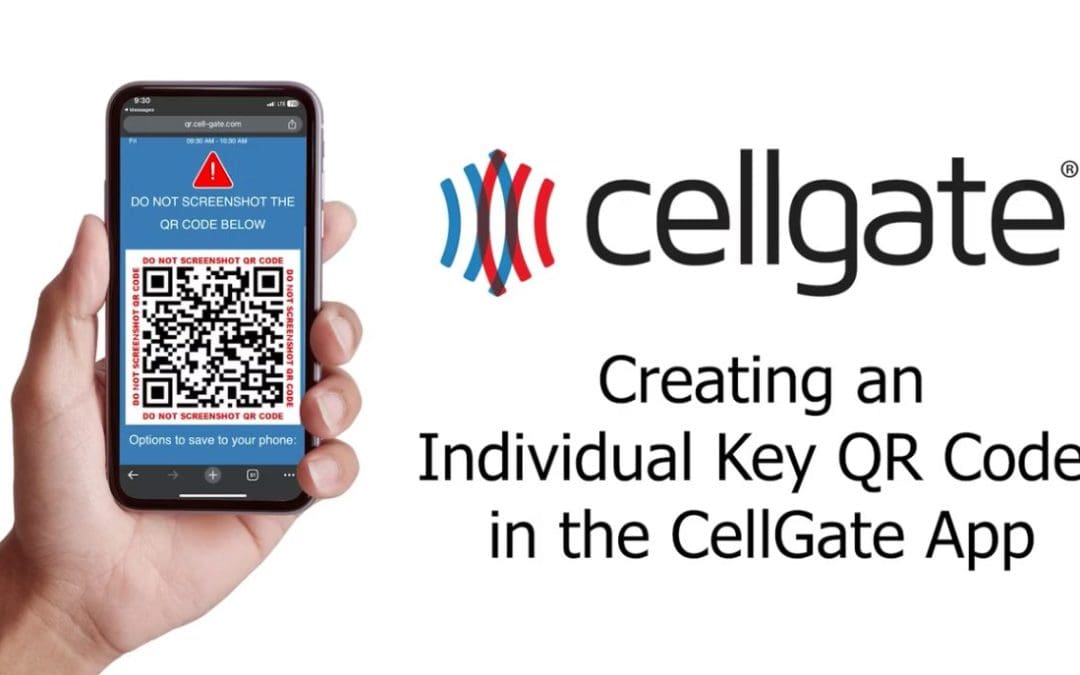
▶ How to Find Access Passes in the CellGate App
This guide explains how to locate and manage Access Passes within the CellGate App. Access Passes are a type of Access Credential used for visitor management – ideal for guests, vendors, service providers, and deliveries at your property. This feature is available on...

▶ OmniPoint: Scoping the Job Site
OmniPoint Site Walk: Scoping a Job Site Before You Order Jun 17, 2024 | Support Resource, OmniPoint Tap for Sound Scoping is the visit that decides your OmniPoint order. Walk the property, prove the signal at every entry point, and write down the hardware each...
▶ OmniPoint – Account Pre-Installation Onboarding
OmniPoint Part 2: Account Pre-Installation Onboarding Jun 16, 2024 | Support Resource, OmniPoint Tap for Sound You have sold the OmniPoint system. Before anyone drives to the site, the customer’s TrueCloud Connect account has to be set up and configured, because an...
▶ OmniPoint – Installation Day
OmniPoint Part 3: Installation Day Jun 16, 2024 | Support Resource, OmniPoint Tap for Sound With the account onboarded, install day is the physical work: mount and power the Gateway, confirm it is online, then wire and register each entry point module. Do it in that...

▶ Groups: No Access Group
The No Access Group: Revoke Entry Without Deleting the Record Jul 16, 2024 | Support Resource, TrueCloud Connect Tap for Sound The No Access group is the pause button for a resident’s entry. Moving someone into it revokes every credential they hold while keeping...

▶ Groups: Visitor Group
The Visitor Group: Guest and Vendor Codes, Scoped and Time-Bound Jul 16, 2024 | Support Resource, TrueCloud Connect Tap for Sound The Visitor group is where guest and vendor codes live. A code here is not just a number that opens the gate; it can be scoped to...

▶ Groups: Resident Employee Group
The Resident and Employee Group: Add People to the Directory and Call Routing Jul 16, 2024 | Support Resource, TrueCloud Connect Tap for Sound The Resident and Employee group is how the people who belong on your property get into the directory and the call...

▶ Groups: Account Admin Group
The Account Admin Group: Who Can Manage the System, and How Much Jul 16, 2024 | Support Resource, TrueCloud Connect Tap for Sound The Account Admin group decides who can manage your property in the portal, and administrator access is the most powerful...

▶ Groups: Visitor Pass & Access Credential Features
The Access Credentials Group: Control Who Can Issue Visitor Passes Jun 21, 2024 | Support Resource, TrueCloud Connect Tap for Sound Visitor Passes are only as controlled as the permission to issue them. The Access Credentials group is where you decide...
▶ Manage Callgroups: Sending Out Notifications
Sending Out Notifications: Prompt New Residents to Set Up the App Jul 16, 2024 | Support Resource, TrueCloud Connect Tap for Sound Adding a resident to the system does not automatically tell them it exists. A notification is the message that prompts each...
▶ Manage Callgroups: App Calls
App Calls in a Call Group: How a Visitor Call Reaches a Resident, and the Fallback Jul 16, 2024 | Support Resource, TrueCloud Connect Tap for Sound When a visitor calls from the gate, CellGate tries the resident’s app first and falls back to a phone...
▶ Manage Callgroups: Editing Callgroups
Editing a Call Group: Keep the Directory and Call Routing Current Jul 16, 2024 | Support Resource, TrueCloud Connect Tap for Sound A call group is what a visitor scrolls at the entry point and what routes their call to the right resident. Editing it keeps the...

▶ Manage Callgroups: Importing Users
Importing Users into a Call Group: Add a Whole Property From One Spreadsheet Jul 16, 2024 | Support Resource, TrueCloud Connect Tap for Sound Adding residents one at a time is fine for a handful. For a whole property, importing a spreadsheet is the difference...

▶ Users: Adding Codes
Adding a Resident in TrueCloud Connect: From the Manage Users Screen to the Property Directory Jun 1, 2024 | Support Resource, TrueCloud Connect Adding a resident walks through five screens in the TrueCloud Connect platform, and each one sets something you would...
▶ Users: Adding Restrictions
Adding Access Restrictions in TrueCloud Connect: Limit Where, Limit When, Then Save It as a Preset Jun 1, 2024 | Support Resource, TrueCloud Connect A restriction answers two questions the rest of the profile does not: which parts of the property this person can...

▶ Editing Users
Removing a Resident in TrueCloud Connect: Three Outcomes, and How to Pick the Right One Jun 1, 2024 | Support Resource, TrueCloud Connect Removing a resident is not one action. It is three different outcomes reached through nearly the same clicks, and one of them...

▶ Deleting Users
Adding a Resident in TrueCloud Connect: From the Manage Users Screen to the Property Directory Jun 1, 2024 | Support Resource, TrueCloud Connect Adding a resident walks through five screens in the TrueCloud Connect platform, and each one sets something you would...

▶ Adding Users
Access the Activity Log: Track Every Entry Event in TrueCloud Connect Jun 1, 2024 | Support Resource, TrueCloud Connect Every gate trigger, access code entry, and Visitor Pass scan on your property is recorded with a date and time stamp. The activity log inside the...
▶ Activity Log
Access the Activity Log: Track Every Entry Event in TrueCloud Connect Jun 1, 2024 | Support Resource, TrueCloud Connect Every gate trigger, access code entry, and Visitor Pass scan on your property is recorded with a date and time stamp. The activity log inside the...
▶ Override an Existing Schedule
Overriding a Gate Schedule: Change a Single Day Without Touching the Regular Schedule Jul 16, 2024 | Support Resource, TrueCloud Connect Tap for Sound A holiday, an event, a day the office is closed: these are the times your normal gate schedule is wrong. An...

▶ Setting Your Gate Schedule
Setting a Gate Schedule: Hold the Gate Open on the Days and Hours You Choose Jul 16, 2024 | Support Resource, TrueCloud Connect Tap for Sound A gate schedule holds a gate open automatically during set hours, so it stands open for the morning rush or a leasing...
▶ Triggering the Camera
Triggering the Watchman Camera: Take a Photo at the Gate on Demand Jul 16, 2024 | Support Resource, TrueCloud Connect Tap for Sound Every Watchman has a built-in camera, and you do not have to wait for an access attempt to use it. From the dashboard you can take a...
▶ Triggering the Gate
Triggering a Watchman Gate: Open for a Moment, Hold Open, or Close Jul 16, 2024 | Support Resource, TrueCloud Connect Tap for Sound From the TrueCloud Connect dashboard you can operate any gate by hand, from anywhere: pop it open for one visitor, hold it open for a...

▶ TrueCloud Connect Dashboard – Quick Guide
The TrueCloud Connect Dashboard: Everything You Manage, and Where It Lives Jul 16, 2024 | Support Resource, TrueCloud Connect Tap for Sound The TrueCloud Connect dashboard is the single screen behind your whole property: gates, cameras, schedules, users,...
More Dealer Resources
View our comprehensive compilation of handpicked resources, specifically catered to the needs and interests of CellGate dealers:
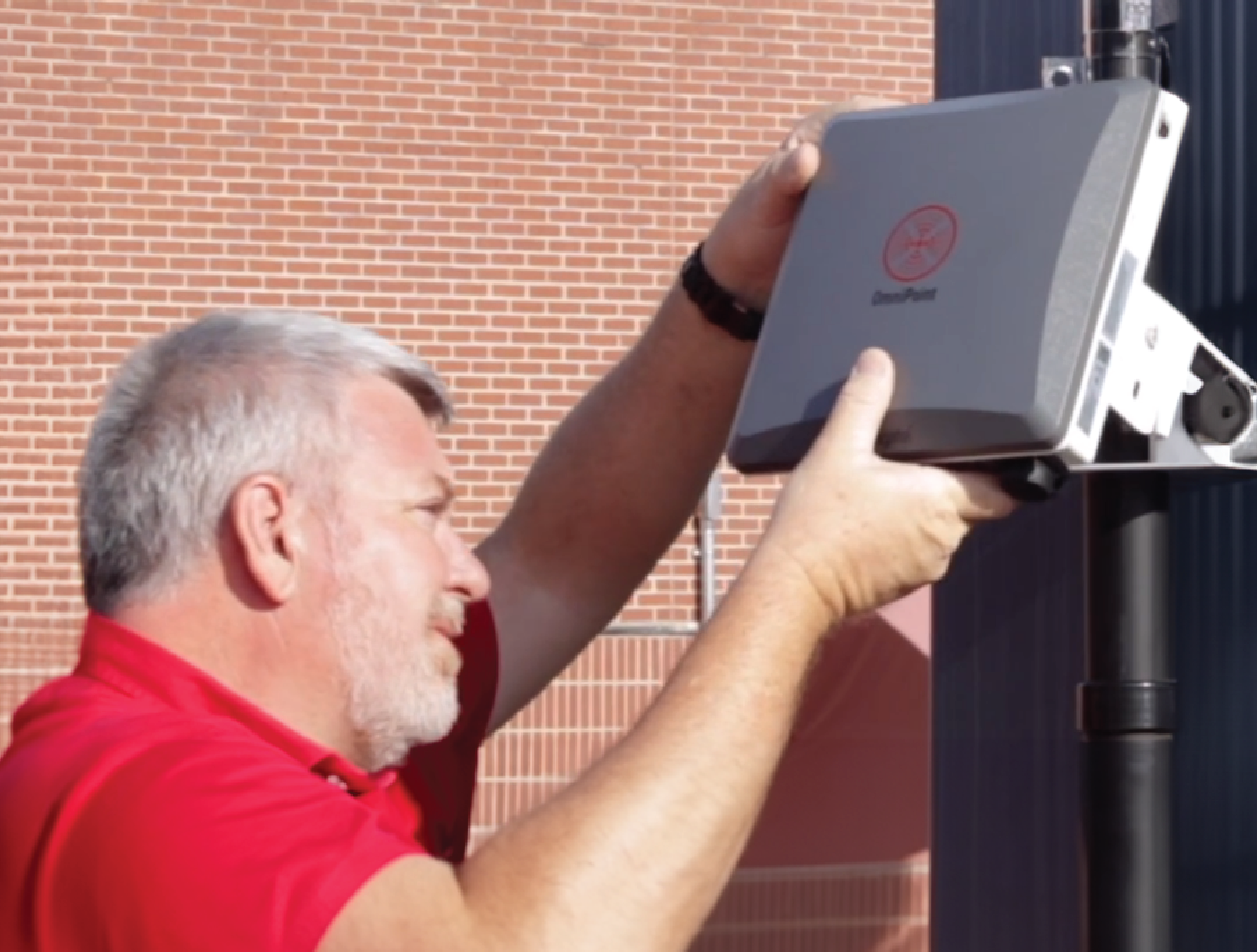
Full collection of resources for dealers
Collection of informative CellGate webinar videos.
OmniPoint Resources

OmniPoint® brochures, install guides, and support videos.
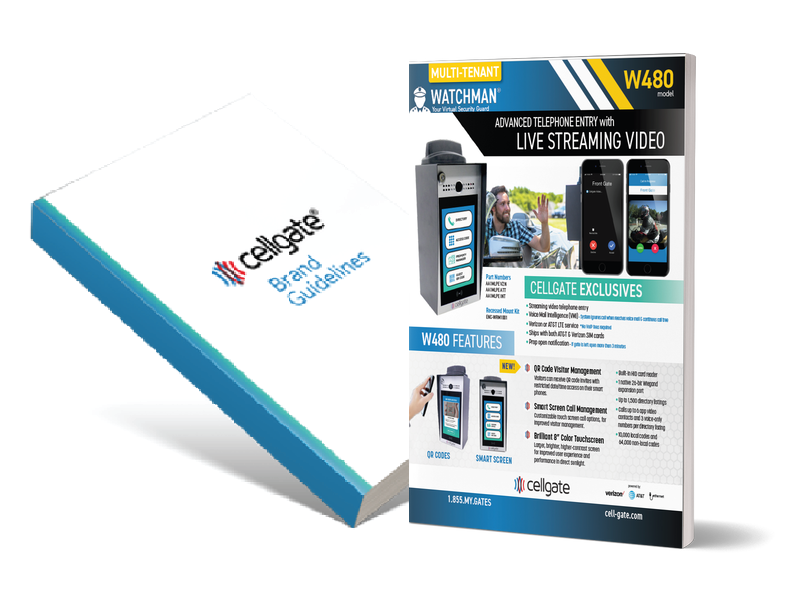
CellGate brochures, technical specs, service plans, and more.
Full collection of resources for dealers