What this video covers
One reader, four methods
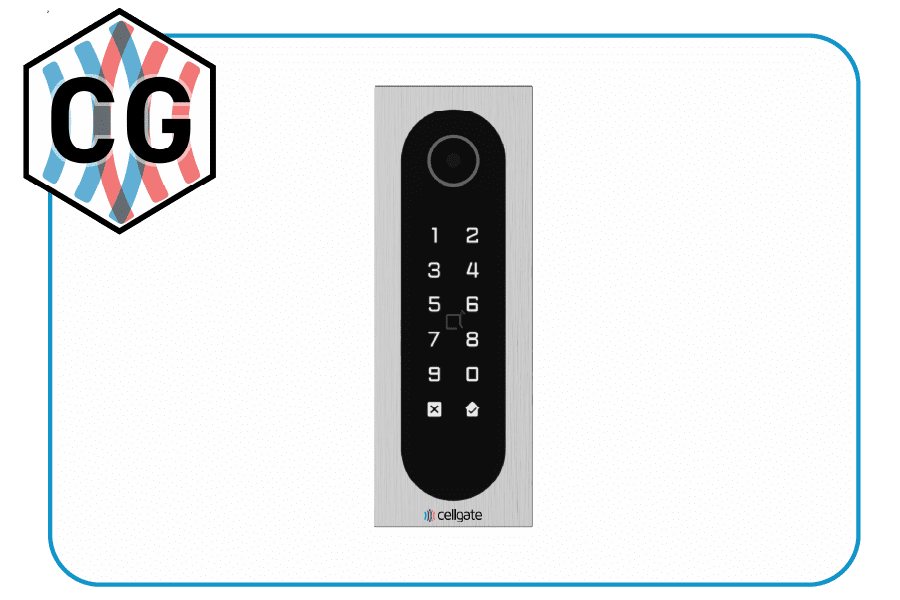
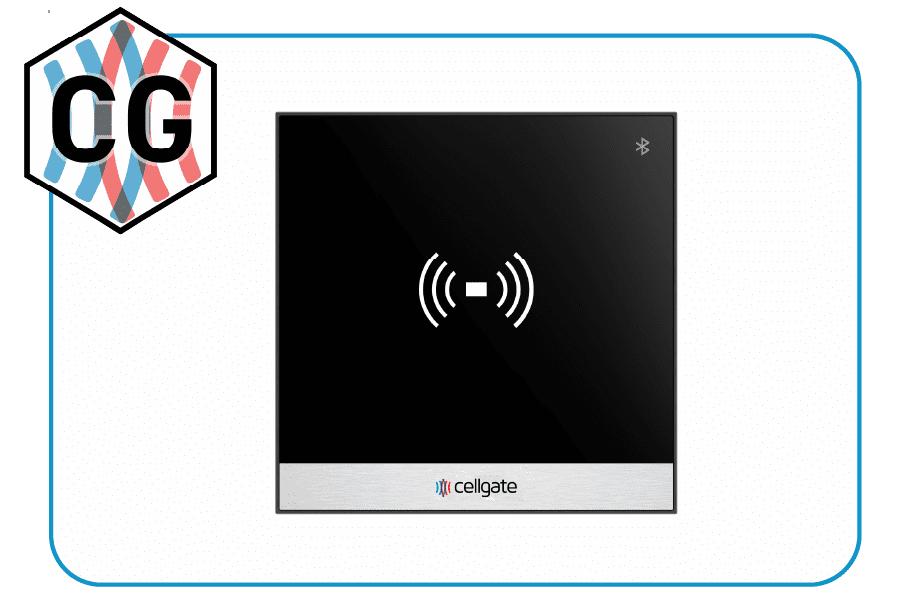
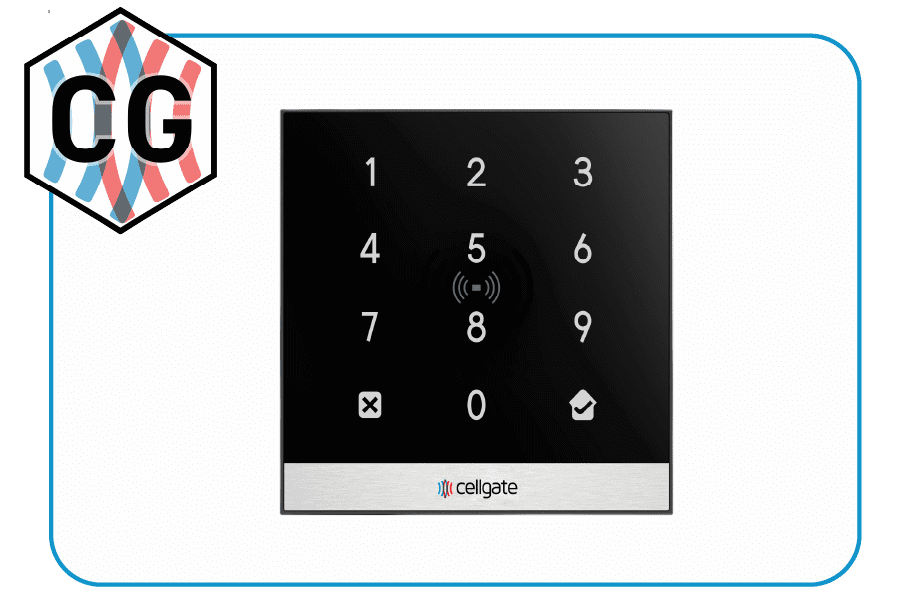
The Infinity is an integrated 4-in-1 reader, combining a Bluetooth 5.0 interface, a backlit keypad, a proximity card reader, and a QR code camera in a single unit, so one reader at the gate covers residents, employees, and visitors. It supports encrypted 13.56 MHz DESFire® EV3 and HID credentials and integrates with existing 26-bit Wiegand systems. Here is each of the four ways in.
1) Card or fob: the simplest way
- Tap your access card or key fob against the reader.
- Wait for the system to recognize it and grant access.
Quick, secure, and contactless. Nothing to set up beyond having a valid credential.
2) Bluetooth: wave your phone
- Download the CellGate app on your phone and log in.
- Enable the personal key by tapping Proceed.
- Allow CellGate to find, connect to, and determine the relative position of nearby devices.
- Enable Bluetooth background access and tap Allow to stop optimizing battery usage.
Once set up, keep your phone on you and wave in front of the device to enter.
3) Keypad: type your code
Type your access code into the Infinity device and press the Enter button.
4) QR Visitor Pass: for temporary entry
You will receive a text or email with a link. Tap it, then hold the displayed QR code up to the sensor at the top of the Infinity device.