


The CellGate app controls all CellGate products.
Its functionality varies based on the solutions you purchased or utilize, and what features your administrator has specifically granted for your use.
App Features
Below are examples of just some of the functionality possible via the app.
See Live Video
- Receive live streaming video of visitors at the gate
Available with all Watchman models except for W410
Gate Functionality
- Check Gate & Door Status
- Open, Hold Open, Close Gate or Door
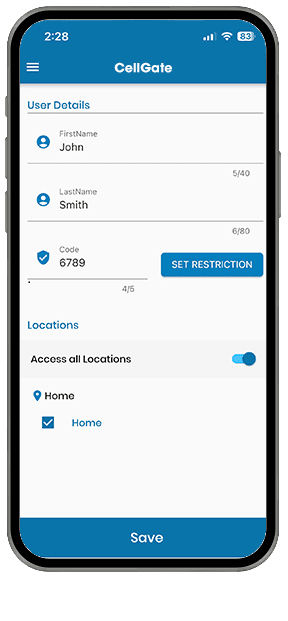
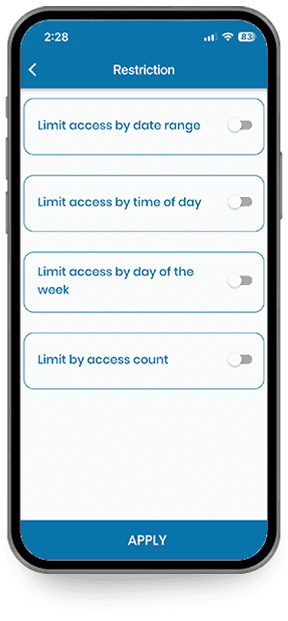
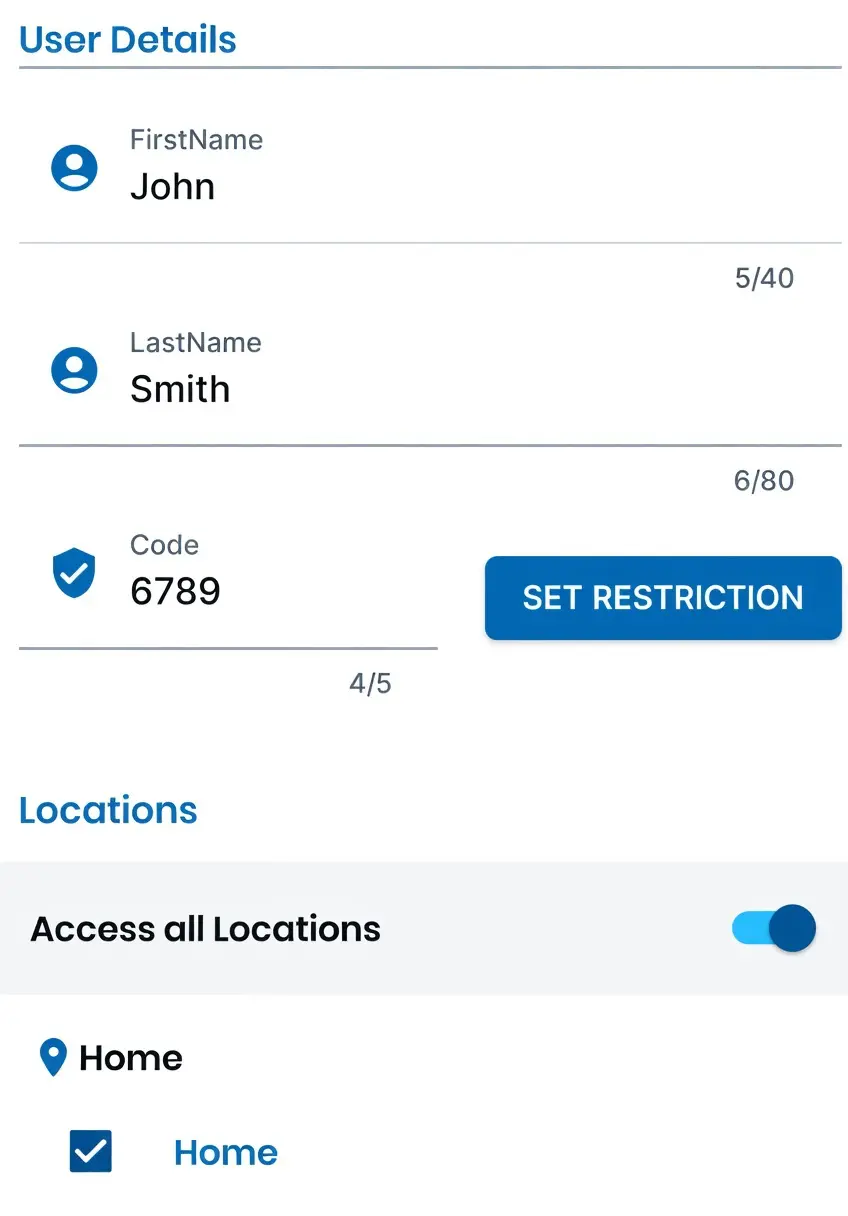
Create PIN Code Visitor Passes
- Issue unique access codes for visitors, workmen and vendors
- Include visitor access restrictions
Create QR Code Visitor Passes
- Create & send QR Code Visitor Passes to guests on a Recurring, Temporary or Single Use basis.
CG Readers and Entría Single Door Controller
Photos
- Take photos using Watchman’s internal camera
- Take photos from Watchman optional external cameras
- Review photos taken by Watchman internal or external cameras
- All Watchman models
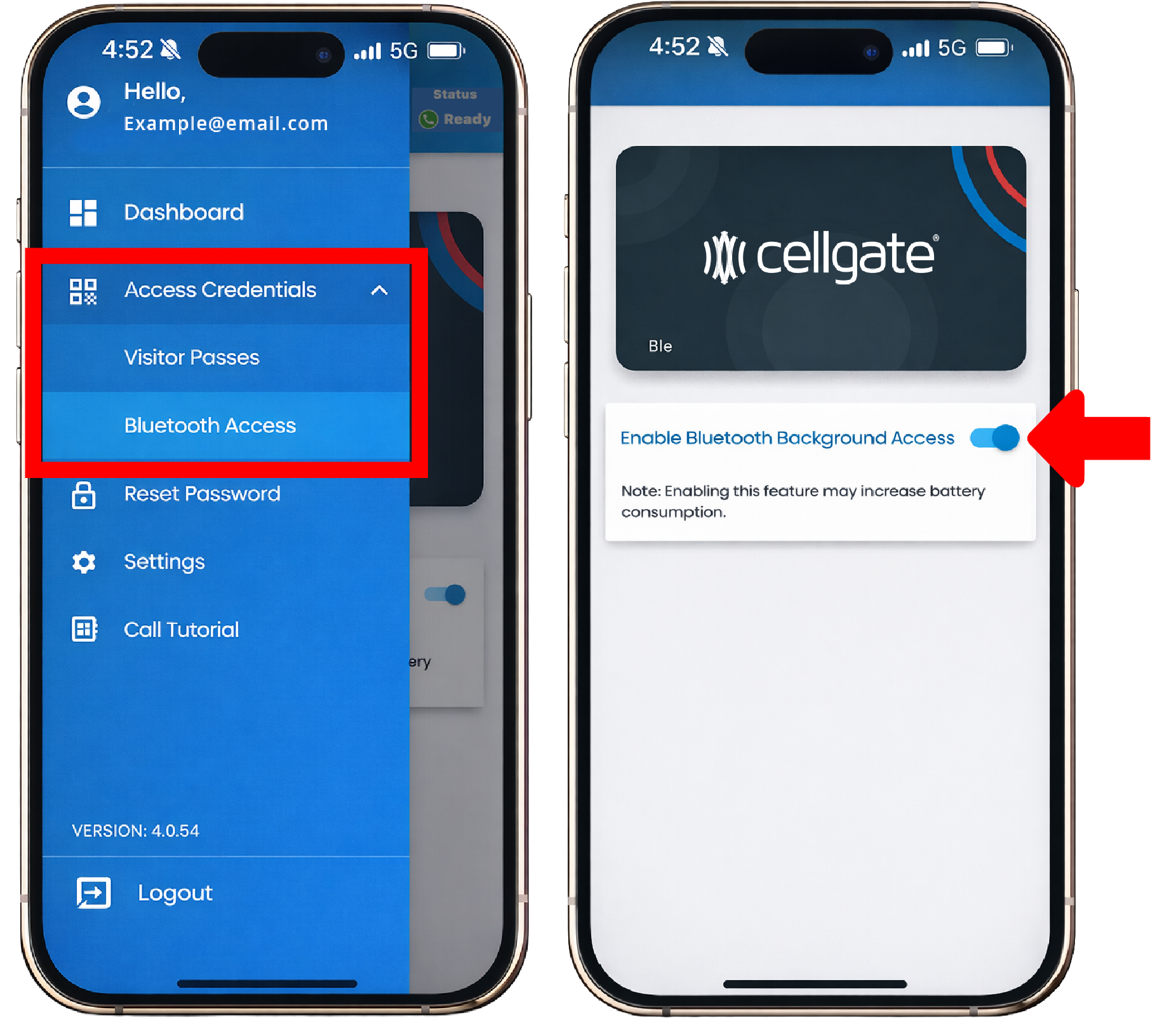
Bluetooth Access & Personal Keys
- Bluetooth, hands-free digital access
is enabled via the app.
Available with select CG Readers and Entría Single Door Controllers
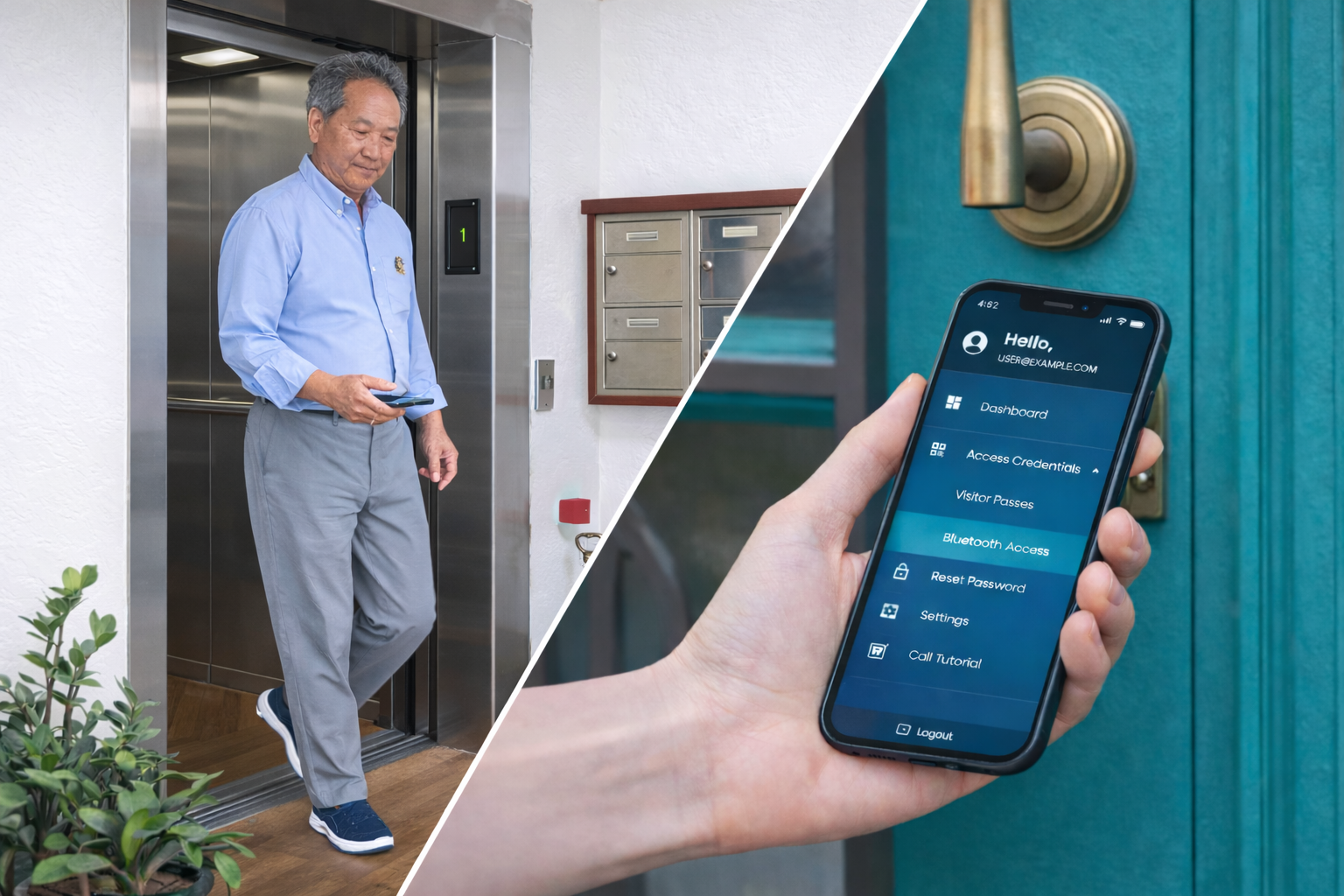
Open Doors & Summon Elevator
Open doors and summon elevator via the app when your key/fob are unavailable – works with all CellGate solutions, including 3rd party readers that have been provisioned via TrueCloud Connect“.

App Resources
Do you have additional questions or would like to submit any feature suggestions? Click on an option below to learn more.
Need Help with the App?

Call 855.694.2837 x 3 or click below to message Support.
Feedback
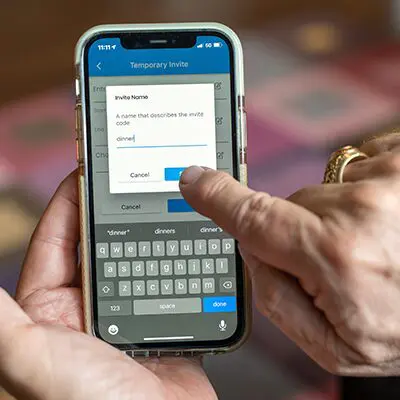
Click here to send suggestions on new app functionality or any changes to current app.
App Guides

Most commonly asked CellGate app questions.
▶ Sharing an Individual Key in the CellGate App
Virtual Keys are a feature available on all Watchman multi family access control systems. This guide will walk you through the process of sharing an Individual QR Code Virtual Key with a recurring visitor (like a dog walker, babysitter, etc.) using the CellGate App. ...
▶ Creating Individual Keys in the CellGate App
This guide will walk you through the process of creating a personalized QR code Individual Key using the CellGate App. An Individual Key is a QR code invitation that can be used repeatedly by someone who needs property access on recurring day(s) and/or time(s)....
▶ How to Find Access Passes in the CellGate App
This guide explains how to locate and manage Access Passes within the CellGate App. Access Passes are a type of Access Credential used for visitor management – ideal for guests, vendors, service providers, and deliveries at your property. This feature is available on...
▶ Manage Callgroups: App Calls
Introduction This video provides detailed instructions on how to property managers of a multi-family property would manage app calls within call groups using the TrueCloud Connect dashboard. TrueCloud Connect™ is CellGate’s proprietary back-end architecture that...