
TrueCloud Connect™ is CellGate’s cloud-based administrative platform that unifies hardware, properties, users, credentials, visitors, and all security activity into a single, centralized ecosystem.
With a single login, authorized users can securely manage and monitor all CellGate-connected properties in their portfolio, providing complete visibility, control, and oversight from anywhere.
The dashboard in the TrueCloud Connect platform is the single screen behind your whole property: gates, cameras, schedules, residents, codes, groups, and logs. This overview explains what each area does and points to the detailed guide for each, so you know where to go for any task.
Everything CellGate does for a property runs through the TrueCloud Connect platform, from any web browser, with the same functions as the CellGate app. The dashboard is where you operate the gate in the moment and where you set the rules that run it the rest of the time.
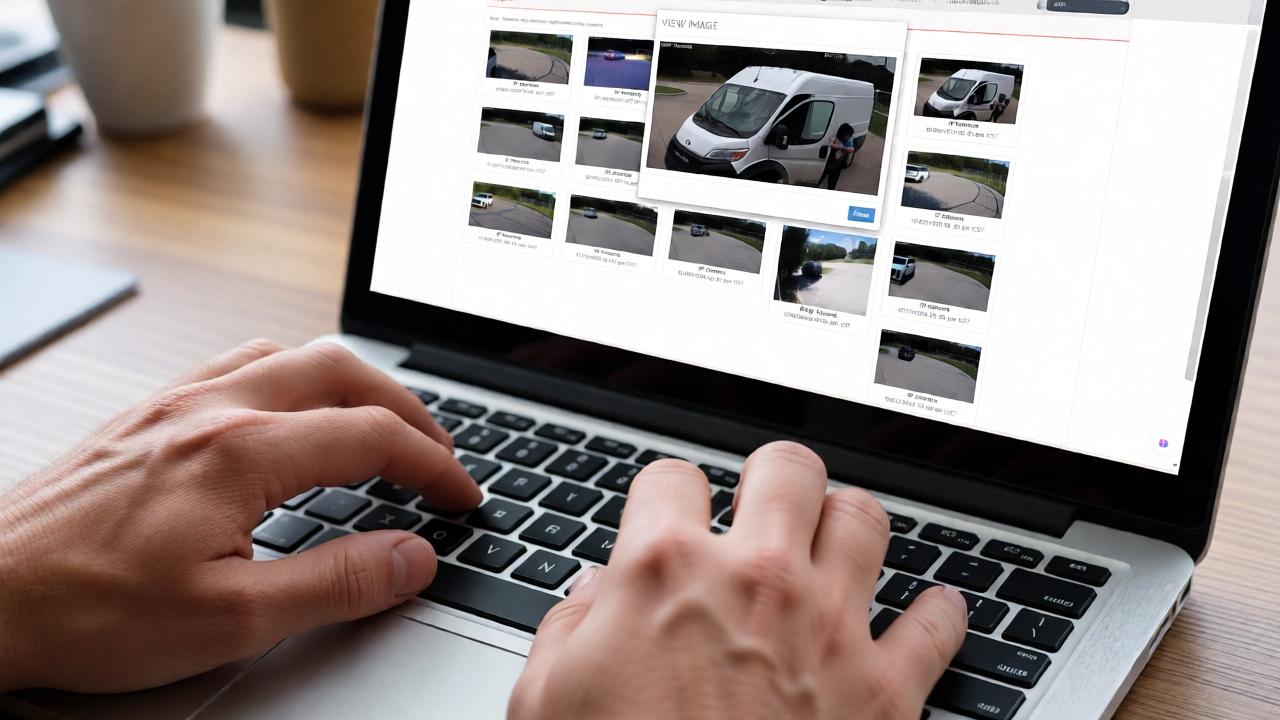
From the dashboard you can trigger the gate with a momentary open, a hold open, or a close, and use Take Picture to capture a photo of whoever stands at the gate. These are the live controls you reach for when a visitor waits at the entrance right now.
Rather than open the gate by hand every morning, set a hold-open schedule under Actions › Schedule (each one begins and ends on the same day, and saved hours highlight in blue). To skip a holiday or event, override it from Alternative Schedules and Blackouts, adding a blackout day without disturbing the regular schedule.
The people side of the dashboard: add residents and set their role, issue gate codes, and organize everyone into groups that set what each person can do. To pull someone from the directory without erasing their record, move them to the No Access group rather than delete them.
The portal stores every access attempt with its time, date, and photo. Open the activity log from the link at the bottom of the dashboard or the Logs menu, then search by the code used, a group (directory) name, Visitor Passes for QR codes, or a from-and-to date range, and export what you need for a record outside the portal. The log is the dashboard’s memory; it turns a dispute into a lookup rather than a guess.
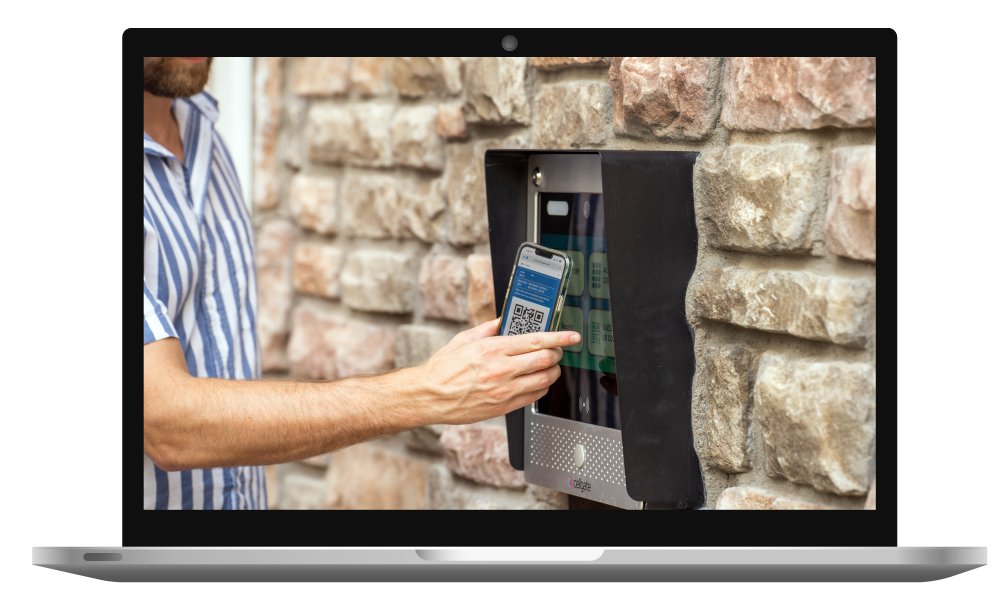


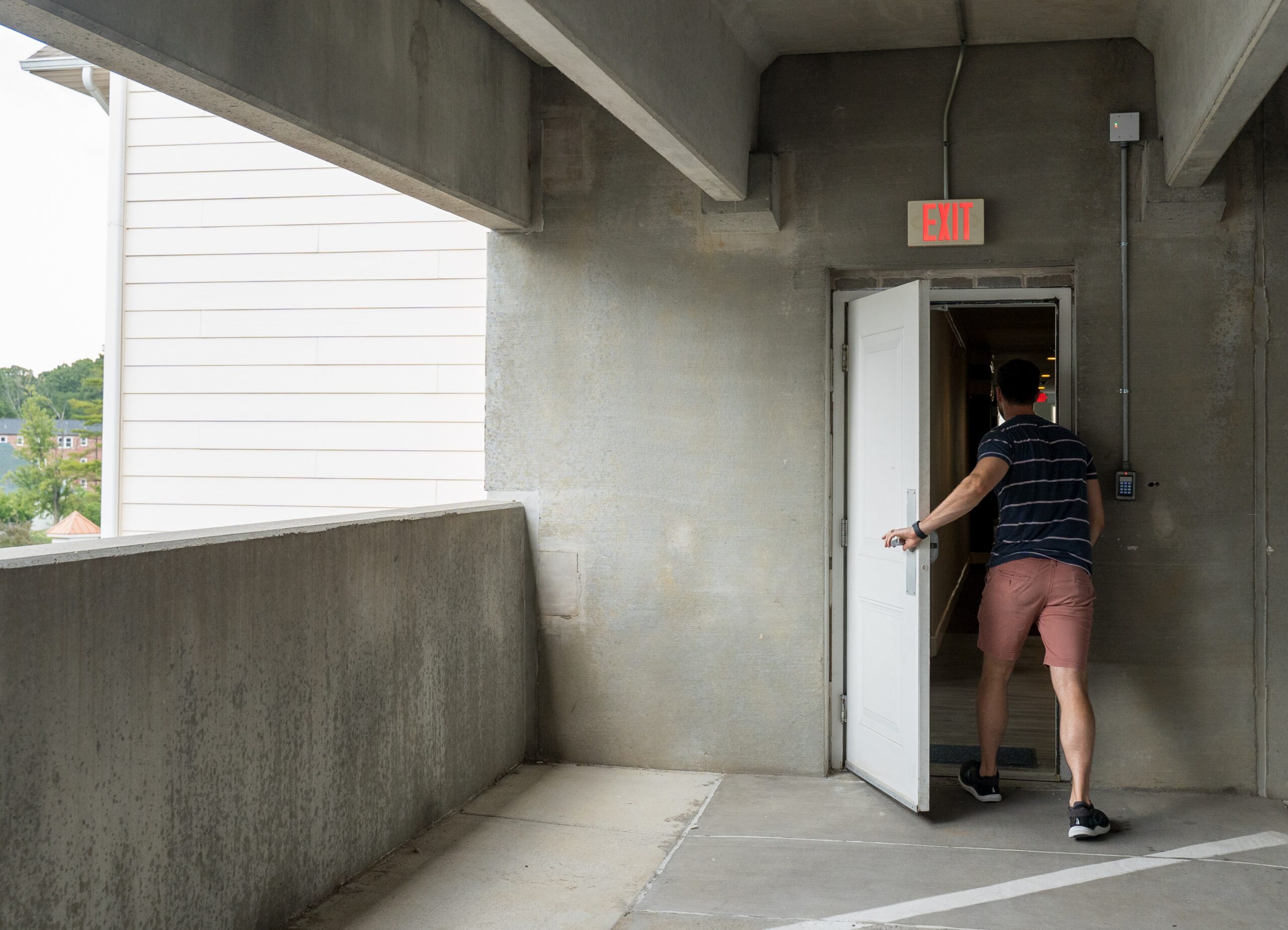
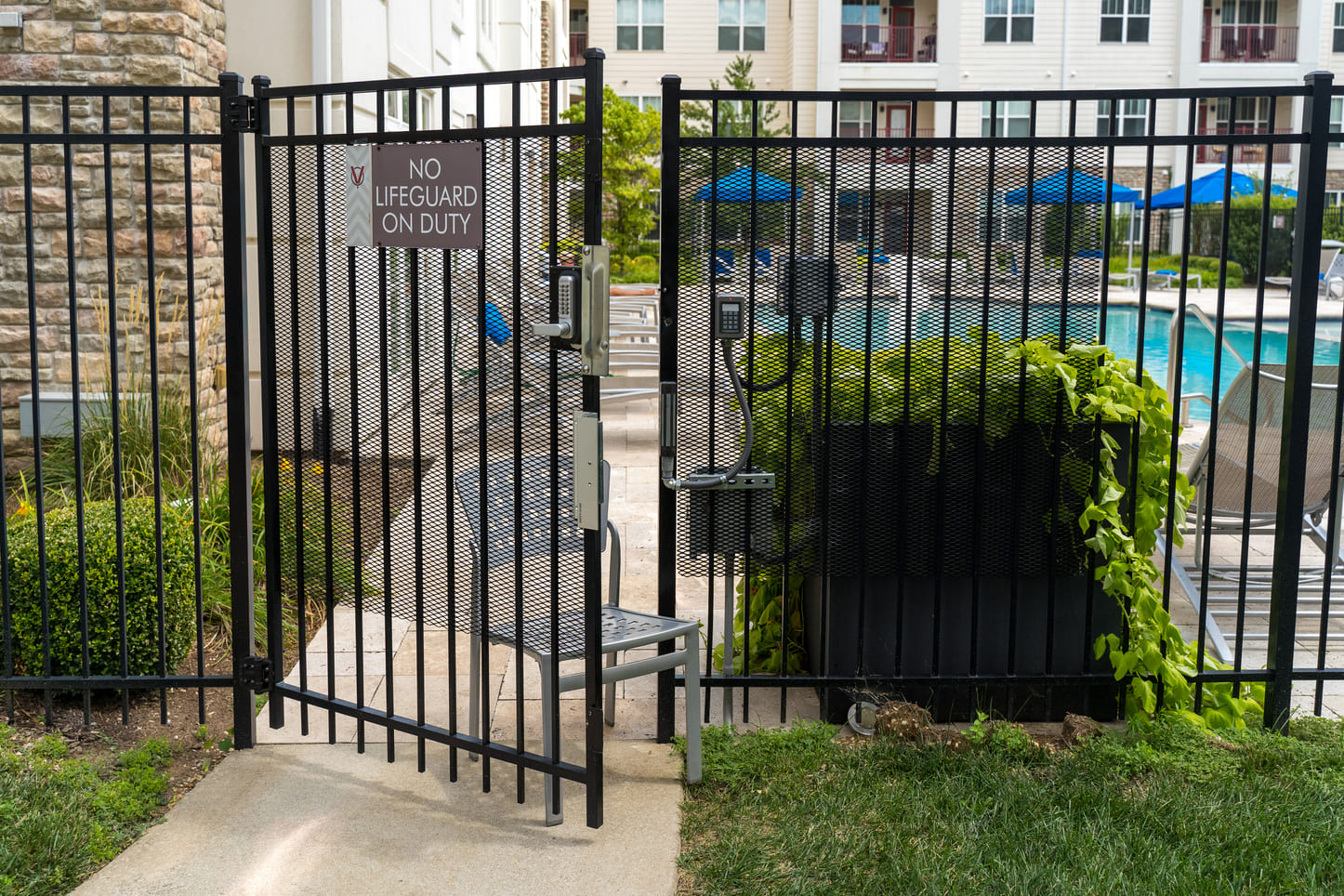
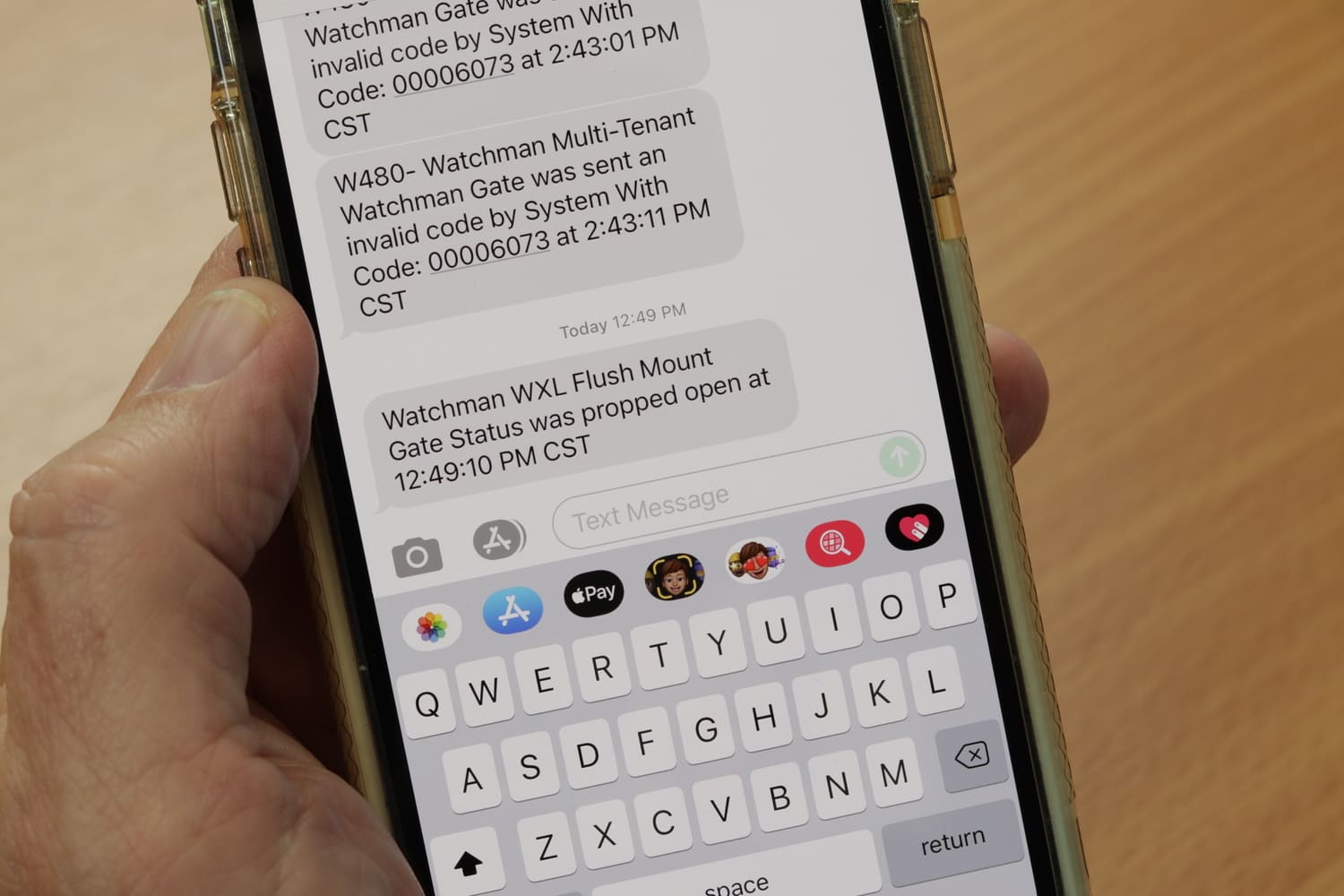
By providing a flexible, unified foundation, it allows CellGate to layer in new connectivity standards, communication technologies, and capabilities as innovations and customer needs evolve.
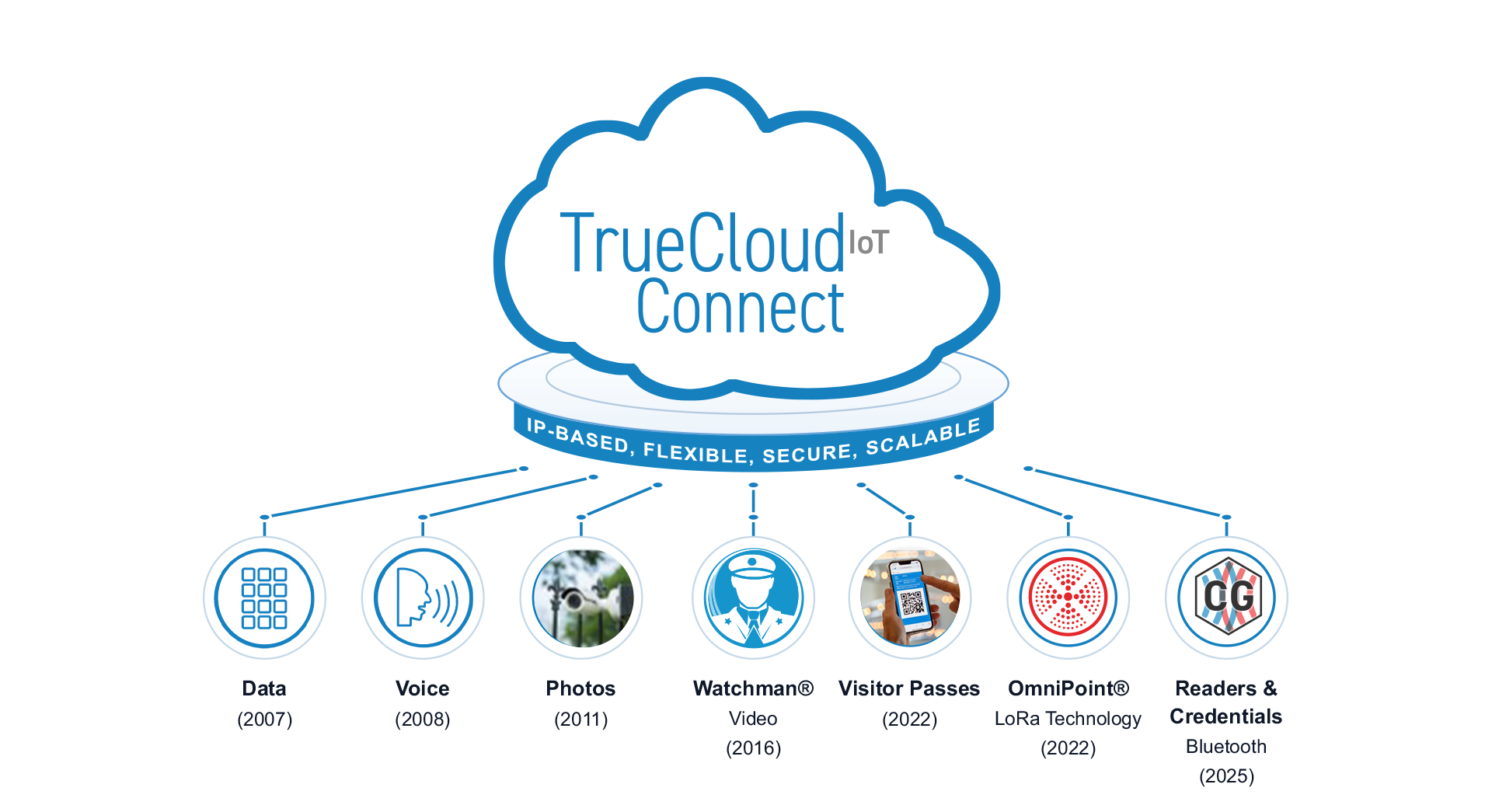

TrueCloud Connect provides a flexible, secure, and scalable foundation that allows CellGate to innovate, integrate, and grow — without limits.
We know that not every property fits a one-size-fits-all solution.
When it comes to visitor management and access control, every property has its own unique challenges. By blending wired internet and wireless cellular LTE solutions, we deliver seamless coverage across every corner of your property—no matter how complex.
TrueCloud Connect™️ is CellGate’s property access adminsitrative platform that is hosted on Microsoft Azure®️. It gives property managers, owners and administrators a single interface to manage access to CellGate products – across one or multiple properties – from any internet-connected device. Through TrueCloud Connect, administrators can add and remove users, issue credentials, manage gates and doors, view photos of access events, monitor system activity, generate reports and configure system settings—all without needing to be on-site.
A cloud-based access control system gives property managers the flexibility to securely manage access from anywhere, instead of having to be on site, on the property. Rather than relying on software installed on-site on device hardware, or on a local computer or server, cloud-based TrueCloud Connect™️ provides a secure, web-based platform where administrators can issue credentials, manage users, update permissions, control gates and doors, and review access activity from any internet-connected device. The cloud-based platform also provides automatic software updates, secure data storage and the convenience of managing one or multiple properties through a single interface.
Yes
TrueCloud Connect’s APIs enable integrations with property management and other security business platforms. Existing integrations include property management platforms, Yardi®️ and RealPage®️, and CellGate regularly evaluates the business case of integrating with others.
Yes. Permissions are configurable so team members can be given access only to the functions they need to perform their job.
TrueCloud Connect gives you a centralized view of activity across your property. You can monitor gates and doors, review access events, see who entered using which credential, view associated access photos (with supported CellGate products), and generate reports—all from a secure, cloud-based platform.
TrueCloud Connect™️ is CellGate’s cloud-based platform for property administrators. It provides the tools to manage users, issue credentials, configure system settings, monitor activity, view photos, generate reports, and administer one or multiple properties.
The CellGate app is designed for residents, tenants and employees to access the property using their authorized credentials, manage visitor access, and remotely open gates or doors when permitted. Together, the CellGate app and TrueCloud Connect deliver a seamless experience for both administrators and end users.
Property owner/manager benefits of cloud-based systems for access control and visitor management administration include: