
Auditing Apartment Gate Security at Every Entry Point
Keeping a property secure takes more than installing gates and doors. You need a clear process to review how everything works together. A physical security audit helps you find weak spots, improve apartment complex security, and plan upgrades that fit your property.
In this guide, we walk through a simple physical security audit checklist you can use across a multi-family property.
Evaluating Gate Hardware and Network Connectivity
Inspect every vehicle and pedestrian gate on the property. These are the first points of contact for residents and visitors, and often the most common entry points for issues. As you review each gate, confirm whether it is intended for visitor access or resident-only use, and whether that purpose fits its current use.
Walk each gate and review the hardware in place. Assess the condition of intercom systems, cameras, and other access control devices in place. Look for wear, damage, or outdated equipment. Also, verify whether the gate has prop-open alert capability and confirm that alerts are working as expected.
Review how each gate connects to your network. Determine if the system uses landline, cellular or wired internet connectivity. If wired internet is not in place, consider whether adding it is feasible or practical to improve reliability, increase bandwidth, and support lasting stability. Check cellular signal strength of available carriers to confirm strong performance.
This step is key to any physical security assessment because weak connectivity can limit system performance.
Testing Visitor Access at the Gate
Next, test how visitors enter the property.
- Review the directory to make sure listings are accurate and up to date.
- Check how calls are routed and confirm they reach the right residents.
- If the property uses QR codes, PIN codes or visitor passes, review who can issue them, how they are issued and how they are managed. Do these visitor entry methods have expiring access windows, date/time restrictions and/or are they limited to certain entry points? Are codes regularly shared and reused – or are they regularly updated? The answer to these questions can determine possible security risks.
Assessing Building Doors and Amenity Areas Across the Property
Move beyond the gates and review every common/shared door across the property. This includes lobby entrances, pool gates, gyms, and mail rooms.
Each access point should be controlled and monitored. Confirm that the right credential type is used for each location based on how the space is used and who needs access. A main lobby door may use mobile credentials so residents can grant access remotely to visitors and for deliveries, while a pool gate or gym entrance may use key fobs for quick, controlled entry by residents only.
Reviewing Access Schedules and Permission Levels
Check how access is scheduled across the property. Confirm that time-based rules match how residents and staff use each space—for example, limit pool or gym access to set hours, restrict maintenance access to work hours, and ensure after-hours entry is granted only to approved users. Also, verify the schedules that are applied to the correct doors and user groups to ensure consistent access across the property.
Review user permissions and ensure each person has the appropriate level of access. Remove access that is no longer needed and confirm that new residents are properly added.
Reviewing Cloud Administration and Activity Logs
A strong physical security audit includes reviewing the system behind the scenes. This means looking at your cloud dashboard or any digital/manual records used to manage access.
Modern systems, like a cloud-based access control platform, allow you to manage users and monitor activity in one place.
Clean Up Admin Roles and Identify Access Gaps
Start by reviewing all user accounts to confirm everything is correct and up to date:
- Confirm that roles are correct.
- Ensure admin permissions are limited to the right staff.
- Remove accounts tied to former employees.
- Look for duplicate users or partial records that may cause confusion.
Audit Log Review and Analysis
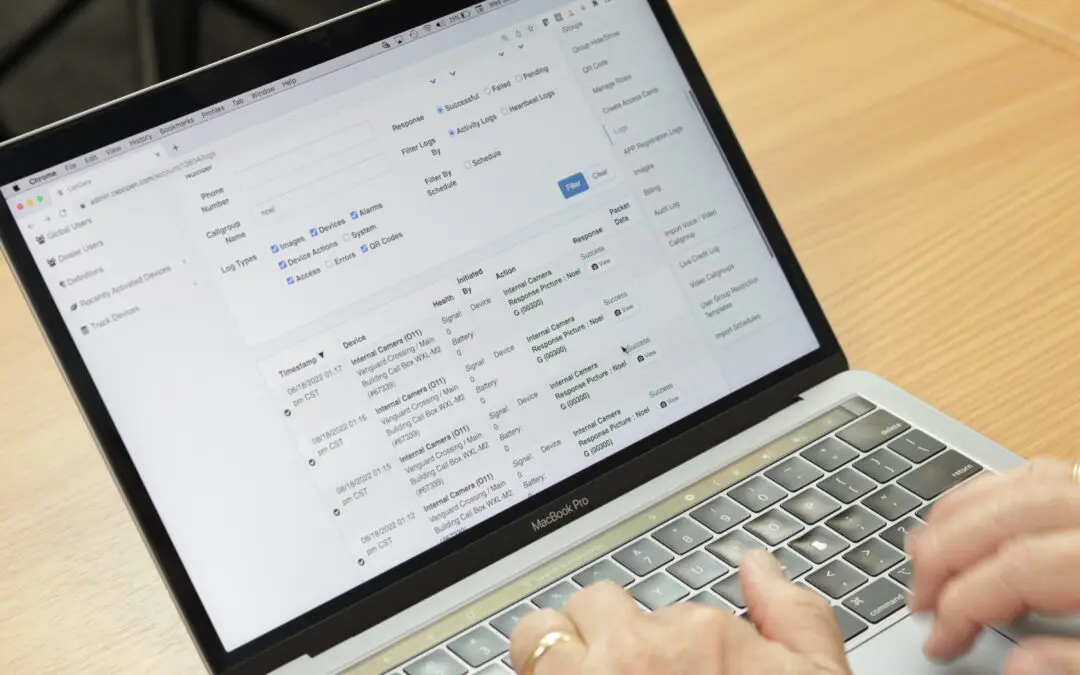
Review activity logs to identify unusual behavior. Look for repeated denied access attempts, unknown users, or entries during unusual hours. This helps you catch problems early and take action before they become larger problems.
If your system supports it, apply tools like the access control activity log to track events. This step helps you spot patterns and aspects where monitoring coverage may fall short.
Maintaining Credentials and Setting a Recurring Audit Schedule
Security is not a one-off task. Ongoing access control maintenance is critical to keeping your system effective.
Removing Expired Credentials and Shared Codes
Identify and remove outdated credentials. This includes expired key fobs, unused mobile credentials, and shared PIN codes.
To find shared PIN codes, review your access logs for the same code being used by multiple users, at different locations, or at unusual times. You can also compare assigned PINs against your resident list to spot duplicates or PINs not tied to a known user.
If your property uses modern credential options, such as mobile access or Bluetooth credentials, review how they are issued, tracked, and removed to ensure access is secure.
Cleaning up these items reduces risk and improves overall apartment complex security.
Building a Quarterly Assessment and Accountability Plan
Set a schedule to review your system regularly. A quarterly audit is a good starting point for most properties.
Assign responsibility to a specific team member or ask your installing dealer if they provide this service. Use reporting tools designed to track progress and confirm that updates are completed.
Additional Tools to Strengthen Your System
As part of your physical security audit checklist, consider how added technology can improve coverage. Video intercom systems can provide better visibility at entry points. Door-based access control can also help secure interior spaces. Mobile access tools make it easier for residents to grant visitors entry.
These options can help provide more comprehensive physical security spanning the property.
Plan Your Next Upgrade with a CellGate Dealer
A physical security audit is often the first step toward improving your property’s access control system. If you’ve identified gaps or zones for improvement, working with a trusted dealer can help you evaluate the right solutions for your property.
Connect with a CellGate dealer to review your findings, explore upgrade options, and build a secure access control plan that fits your multi-family property.
Frequently Asked Questions
How often should a multi-family property conduct a physical security audit?
A quarterly evaluation is a strong baseline. However, properties with higher traffic or frequent resident turnover may benefit from more frequent audits.
What are the most commonly overlooked access points in an apartment complex security review?
Amenity areas like pools, gyms, and mail rooms are often missed. Side entrances and service doors are also common gaps.
How do property managers audit visitor access without disrupting residents?
Test systems during low-traffic hours and review logs to understand usage patterns. This allows you to evaluate access without interrupting daily routines.
What should a physical security assessment checklist include for amenity areas?
It should include access control type, credential use, monitoring coverage, and schedule settings for each space.
How can cloud-based access control simplify the audit process?
Cloud systems allow you to review users, permissions, and activity logs – all in one place. This makes it easier to identify issues and make updates quickly. And because cloud systems are available online, reviews can be performed from anywhere.
What are the risks of skipping access control maintenance at gated communities?
Outdated credentials, shared codes, and inactive users can build up over time. This increases the possibility of unauthorized access and reduces system effectiveness, while simultaneously making the review of data more difficult.