Mobile Mission Control for Your Property’s Gates & Doors


The CellGate app controls every CellGate solution.
What you see depends on the solutions you own and the permissions your administrator grants you.
Below are examples of just some of the functionality possible via the app:
Receive live streaming video of visitors at the gate.
Available with all Watchman models except the W410.
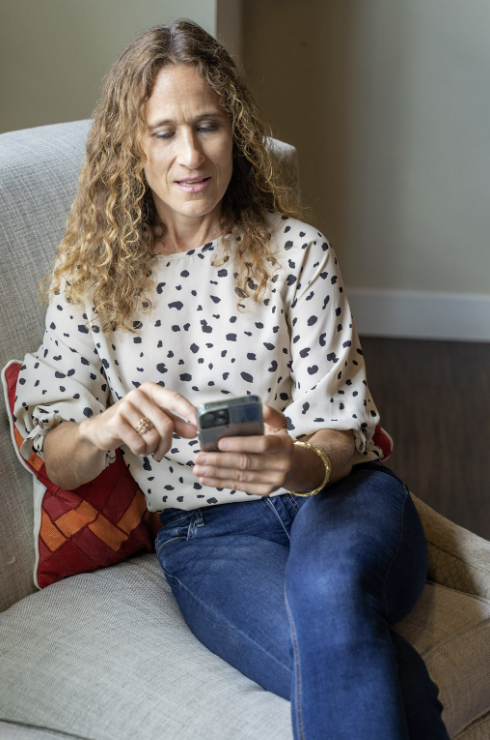
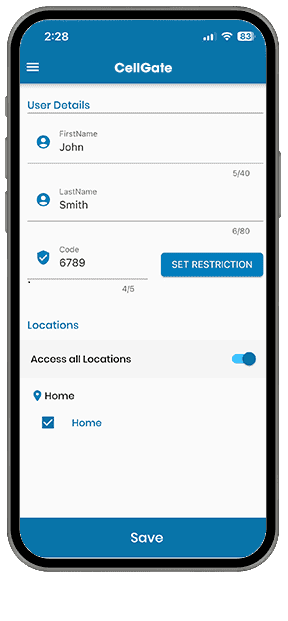
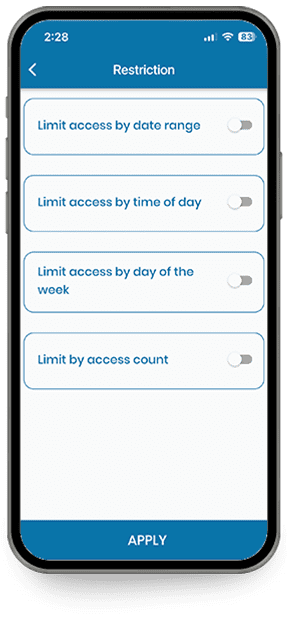
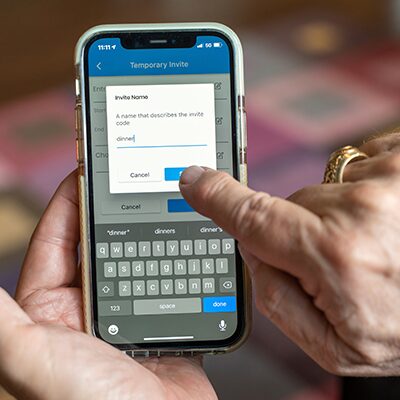
Create and send QR Code Visitor Passes to guests on a recurring, temporary, or single-use basis.
Available on all Watchman multifamily models.
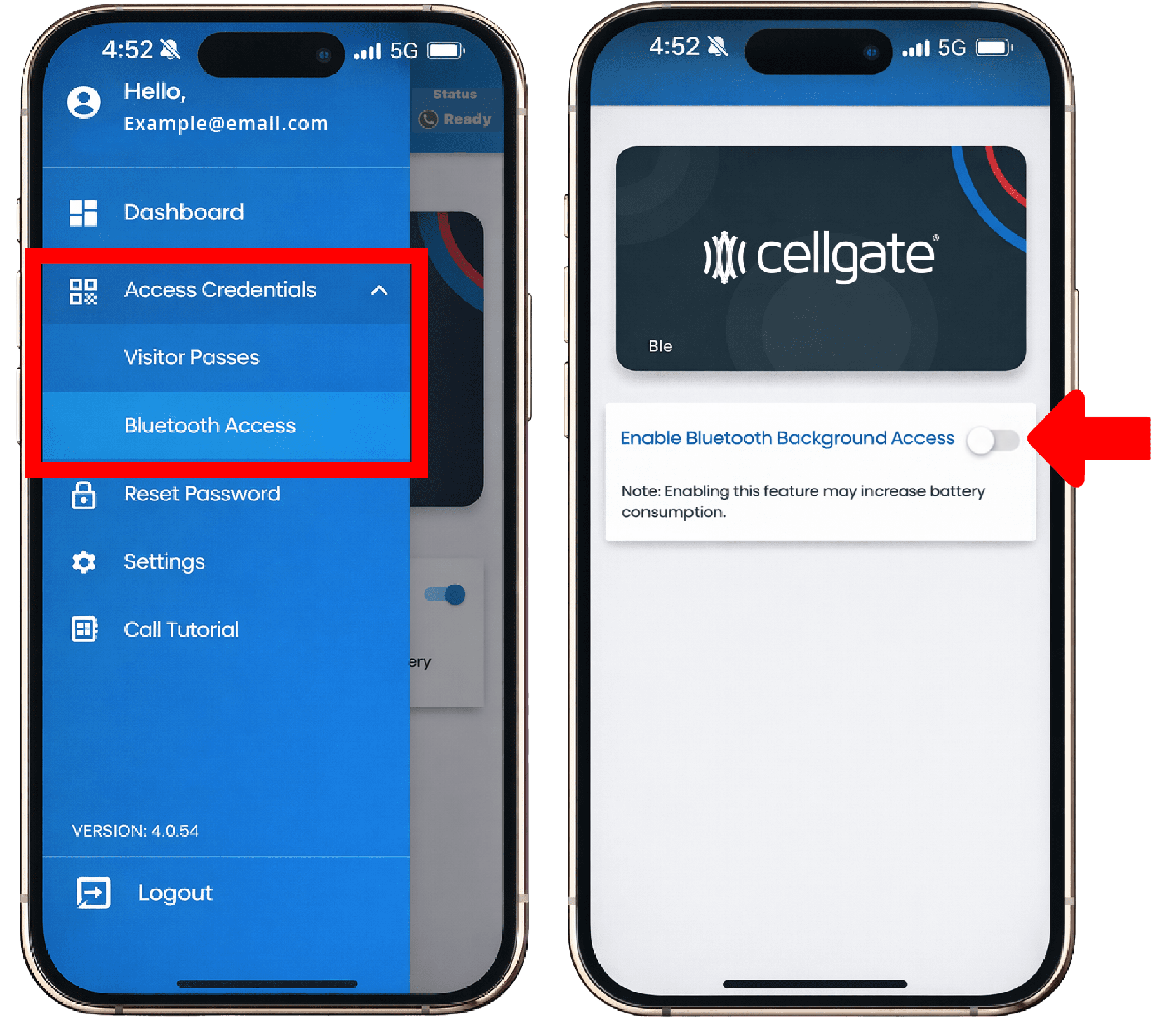
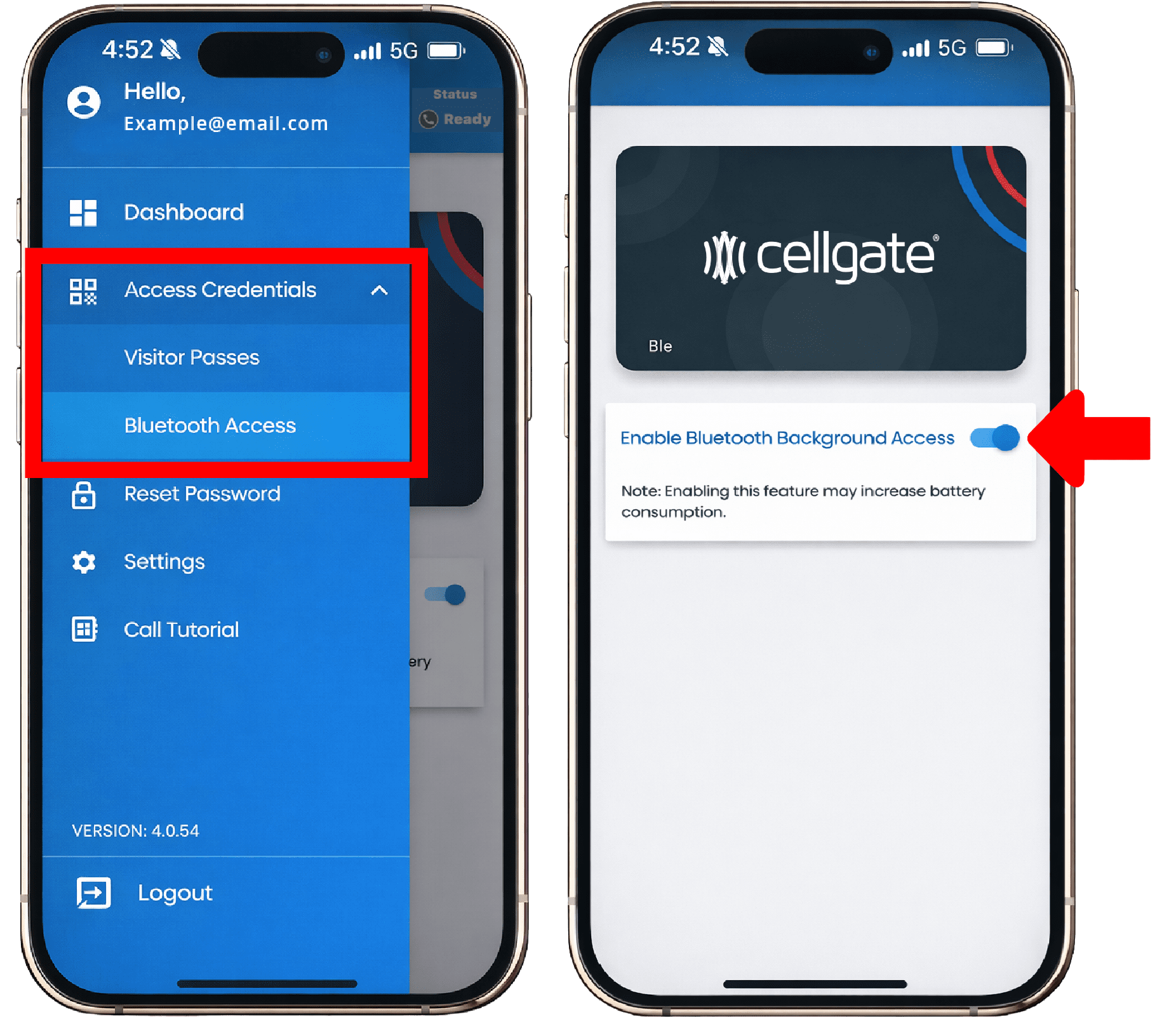
Bluetooth contactless entry gives residents hands-free access straight from the CellGate app.
Access credentials cover Bluetooth contactless entry and QR or PIN Code Visitor Passes.
Open doors and access authorized elevator floor(s) from the Bluetooth-enabled CellGate app when a key or fob is not handy. Works with every CellGate solution, including third-party readers provisioned through the TrueCloud Connect platform.
Have a question, or an idea for a new feature? Pick an option below.
Step-by-step walkthroughs for the questions we hear most.

Most commonly asked CellGate app questions.