Access control is the modern replacement for metal keys, determining who can enter a door or gate and when. This guide explains what access control is, how it works, the main types of access control systems, who uses them, and how to choose the right one for your property.
What Is Access Control?
Access control is a security method that uses credentials, readers, controllers, and electric locks to decide who can enter a building, door, or gate, and at what times. Instead of handing out keys, you give users a credential the system can approve, limit, or cancel.
This guide covers physical access control for buildings and gates. It doesn’t cover IT or network access (also called access control), which solves a different problem.
Many kinds of properties rely on access control:
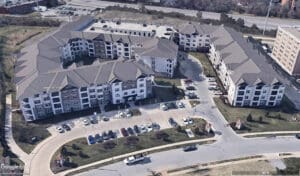
- Commercial and multifamily properties, such as offices and apartment communities
- HOAs and managed communities
- Single-family homes, ranches, and estates
How Does an Access Control System Work?
An access control system checks each credential against a list of approved users, then unlocks the door or gate only if that person has permission at that moment. Here is the basic flow:
- A person presents a credential, such as a card, a phone, or a PIN code.
- The reader picks up the credential and sends it to the controller.
- The controller checks whether that person is allowed through that entry point at that time.
- If so, the controller releases the lock or opens the gate. If not, the entry stays secured.
- The system records the attempt, approved or denied, in an activity log. (This step builds an audit trail you can review later.)
Key Components
Most systems share five main parts.
Credentials are what a person uses to access the system, such as a card, fob, code, phone, or fingerprint.
Readers sit at the entry point. They read the credential and transmit the credential’s details to the controller.
Controllers, sometimes called control panels, are the system’s brain. They store the rules and make the yes-or-no decision. For example, the Entría Four Door Controller manages up to four doors or gates from a single unit.
Electric locks and gate operators physically secure the opening and release it when the controller sends the signal.
Management software is where you add users, set schedules, and review logs.
Types of Access Control Systems
Access control systems are usually grouped in two ways: by the credential people use to get in, and by where the management software runs.
Card and Key Fob Access Control
Card access control systems use a plastic card or small fob that a person taps or holds near a reader. They’re familiar, affordable, and easy to issue. Newer cards use encryption, which makes them much harder to copy than older proximity cards.
Mobile Access Control
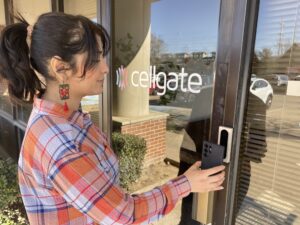
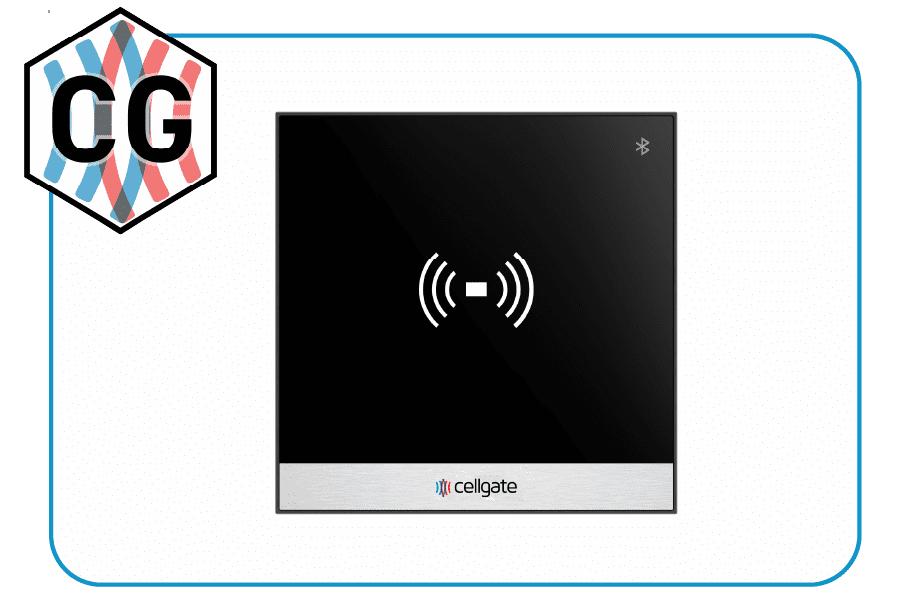
With mobile access control, a smartphone becomes the credential. Users can open a door or gate through an app, or use Bluetooth entry without taking their phone out. With CellGate’s Bluetooth-enabled readers (Infinity and Halo), users keep the phone in their pocket or bag and wave a hand at the reader to enter. Since most people already carry a phone, there’s no card or fob to keep track of.
Phones also make guest entry easier. Many systems let you send a visitor a temporary QR code or PIN code to their phone. They scan the QR code at the reader or enter the PIN code on the keypad, and it expires after a set time. CellGate calls these Visitor Passes.
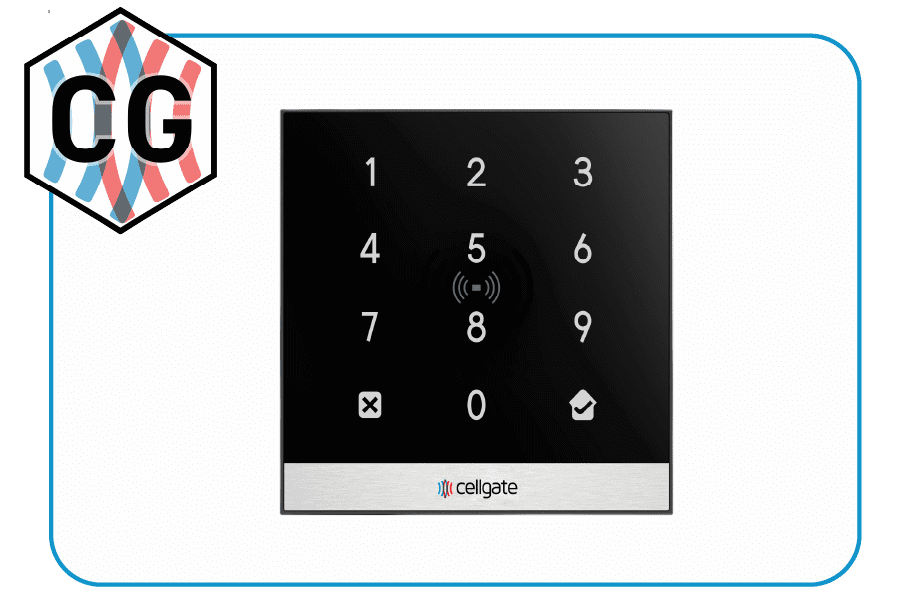
Keypad and PIN Access Control
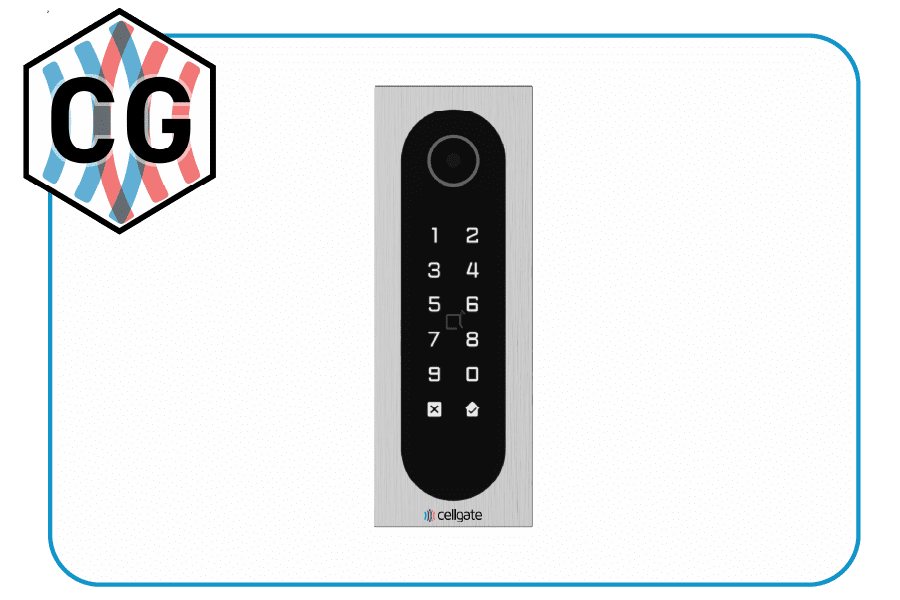
Keypad systems ask users to type a code. They’re simple and low cost, and no one has to carry anything. The tradeoff is that codes can be shared or overheard, so keypads work best at lower-risk doors or alongside another credential type.
Biometric Access Control
Biometric access control uses a physical trait, like a fingerprint or face, as the credential. A fingerprint can’t be loaned to a friend the way a card can, so biometrics give strong confidence that the right person is entering. They usually cost more and are often saved for sensitive spaces such as records rooms or labs. Some states also regulate how biometric data is collected and stored.
Cloud-Based vs. On-Premise Access Control
Cloud-based access control keeps the software and data on secure remote servers. You manage doors, users, and activity logs from a web browser or phone app. Updates install automatically, and you don’t have to maintain a server on site.
On-premise systems run on a computer at the property, which usually means someone on staff handles updates, backups, and hardware.
Every CellGate system is managed through TrueCloud Connect™, our cloud platform, along with the CellGate app for on-the-go control. CellGate’s Digit, Halo, and Infinity readers support card, mobile, keypad, and Visitor Pass (QR or PIN code) access, depending on the model. Entría® controllers and OmniPoint® systems also store credentials locally, so approved users can still get in if the connection drops.
Not sure which mix of credentials fits your property? Get a free consultation with the CellGate team.
What Are the Benefits of Access Control Systems?
Access control systems give you tighter security, a record of every entry, and the ability to manage entry points from anywhere, without cutting, collecting, or rekeying traditional metal keys.
Stronger Security
Only approved credentials open the door. If a card goes missing, you cancel that one credential right away. There’s no need to change locks or wonder who still has a copy.
A Clear Audit Trail
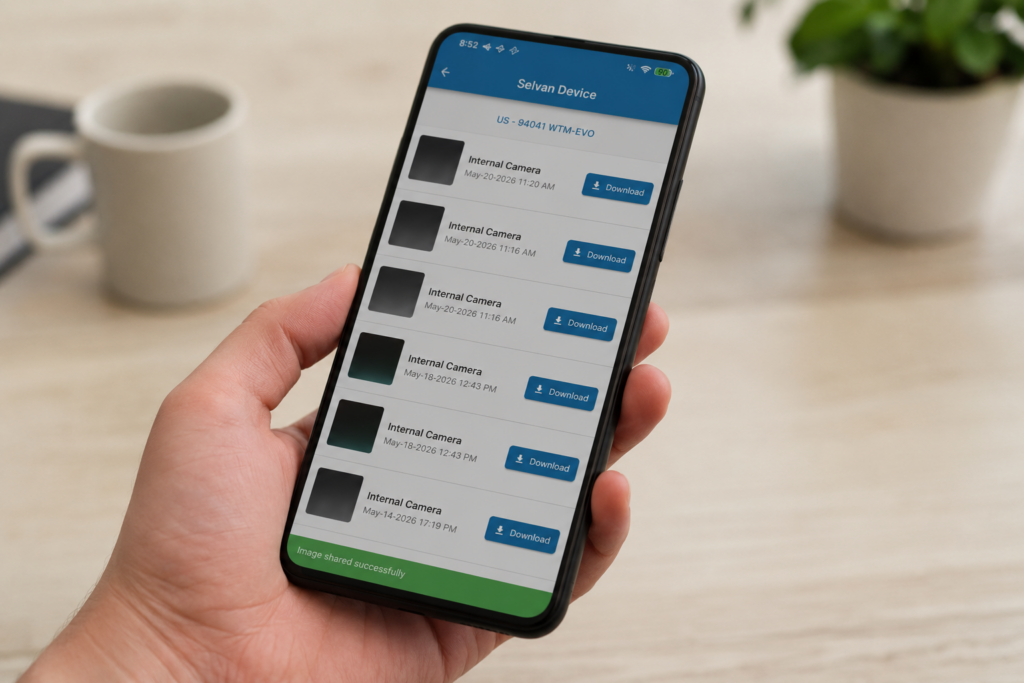
Every entry attempt is logged with the time, date, and location. That history strengthens access control security because you can spot unusual activity and settle questions about who came in and when. CellGate Watchman® units and Entría® Four Door Controllers with cameras can capture a photo of each access attempt as well.
Remote Management
Add a user, change a schedule, or open a gate for a delivery from your phone or laptop. Time-based rules can limit entry to certain hours, like letting a cleaning crew in only on weekday evenings.
Room to Grow
You can add doors, gates, elevators, and users over time without replacing what you already have.
Access Control for Commercial, Multifamily, and Gated Communities
The right access control system for building security depends on the property, and CellGate offers both wired and wireless access control systems to accommodate a wide range of needs. Entry points can connect via Ethernet when a network line is already in place, or via cellular LTE when running cable would be costly or impractical.
That choice matters because few properties look the same from one entrance to the next. A single property can mix both, with wired controllers inside the main building and cellular units at a distant gate, all managed through one TrueCloud Connect login. Cellular entry points also don’t depend on the property’s internet, so a network outage there won’t take them offline.
Here’s how that plays out by property type:
- Commercial and multifamily properties usually have several doors and gates, a mix of tenants and/or staff, and a steady stream of visitors. Door access control systems give each group entry only to the areas they need, on a schedule that fits. CellGate builds solutions for commercial properties and multifamily communities, and TrueCloud Connect also integrates with Yardi and RealPage so property managers don’t have to enter resident data twice.
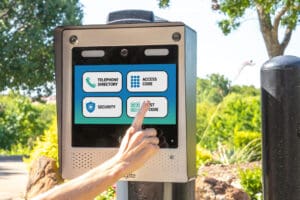
- HOAs and gated communities: HOAs and managed communities often focus on the main gate, where residents want quick entry and guests need a simple way in. A common setup pairs a video intercom, such as CellGate’s Watchman, at the main gate with card or mobile readers at the amenities.
- Single-family homes and large properties: Homes, ranches, and estates often have a driveway gate far from the house, which makes them a natural fit for a cellular connection.
Browse CellGate’s options for every property type to see what fits.
How Do You Choose the Right Access Control System?
To choose the right access control system, look for one that fits your property type, the number of entry points, the credentials that will work best for your users, and how you want to manage daily access. These steps can help:
- Map your property. List every door, gate, elevator, and amenity space you want to control, and note which ones may be costly or difficult to wire.
- Count your users. Estimate how many residents, employees, vendors, and guests need access, how often that list changes, and what access level each group needs.
- Pick your credentials. Match each entry point to the credential types that will be practical for your users. Many properties combine two or more types.
- Decide how you’ll manage it. Most modern systems run in the cloud. On-premise may fit if your organization requires software to stay on site.
- Check connectivity. Find out whether each entry point can use an Ethernet connection or needs cellular. Spread-out properties may benefit from a wireless multi-point system like OmniPoint, which connects doors and gates across a large site without long data cable runs.
- Plan for installation and support. Access control installation affects your cost and timeline as much as the hardware does. Ask who will install the system, whether you can keep existing readers or cards, and what support looks like after setup. CellGate sells through professional dealers who assess your site, install the hardware, and activate service.
- Think long term. Look for access control solutions that can cover additional buildings or properties under a single login so your system can grow when you do.
Once you have your list, compare CellGate’s controllers, readers, and video intercoms side by side.
Frequently Asked Questions
What is an access control system?
An access control system combines credentials, readers, a controller, locks, and software that decides who can enter a door, gate, or building, and when. It also records each entry attempt.
What are the main types of access control?
The main types are grouped by credential (card and key fob, mobile, keypad or PIN, and biometric) and by where the software runs (cloud-based or on-premises).
Is cloud-based access control better?
For most properties, yes. Cloud-based access control lets you manage users, doors, and logs from anywhere, updates automatically, and doesn’t require an on-site server. That’s why every CellGate system is managed in the cloud through TrueCloud Connect™.
What is mobile access control?
Mobile access control turns a smartphone into a credential. Users open doors or gates through an app or by bringing their phone within range of a Bluetooth reader.
Do access control systems work if the internet goes down?
It depends on the system. CellGate’s Entría controllers and OmniPoint systems store credentials locally, so approved users can still get in during an outage. CellGate also offers cellular models for most solutions that don’t rely on a property’s internet connection.
In addition, CellGate offers SurePath, an advanced network redundancy tool designed to keep internet-based Watchman® W482, WXL2 & Entría 4 Door Controllers running when a property’s primary wired internet connection goes down by automatically switching system communications from wired internet to cellular connectivity. SurePath helps ensure uninterrupted access for residents, employees & authorized visitors—without manual intervention.
Do I have to replace my existing readers and cards?
Not always. CellGate’s Entría Four Door and Elevator Controllers and Watchman solutions work with existing 26-bit Wiegand readers, and you can import many existing cards and fobs into TrueCloud Connect. Replacing existing readers and cards is required if you wish to offer more advanced access control functionality like Bluetooth contactless entry and QR Code Visitor Passes.
How much does it cost to install an access control system?
Cost depends on the number of doors or gates, the credential types you choose, and whether you add cameras or video intercoms. Ask for a quote based on your property’s needs.
What is the best access control system for building entrances?
The best access control system for building entrances matches your doors and gates, supports the credentials your users prefer, and offers cloud management so you can control access remotely.
Find the Right Access Control System for Your Property
Need to upgrade your property’s access control? Get a free consultation, or contact CellGate with any questions.