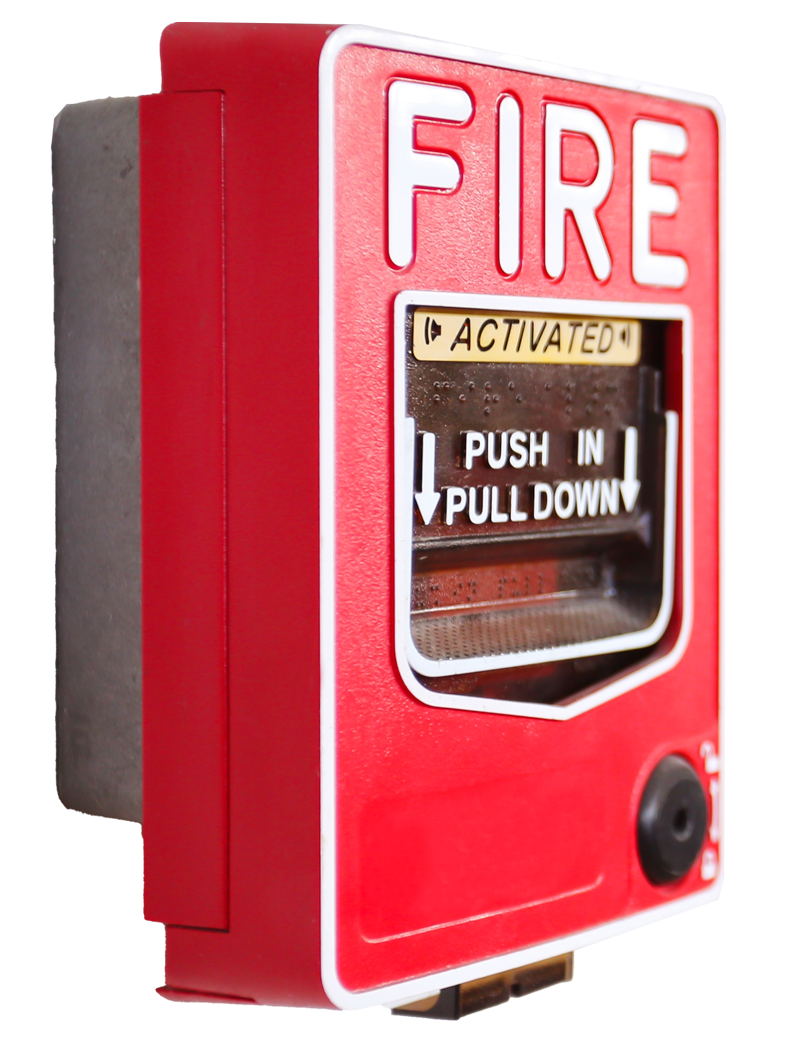
The Fire Alarm Control Function integrates a property’s fire alarm system with compatible CellGate access control devices, automatically triggering the appropriate response during a fire alarm event.
On Watchman® multifamily models (W461/W462, W480/W482 and WXL/WXL2), OmniPoint® Entry Point Modules (EPMs), Entría® Single Door Controllers and Entría® 4-Door Controllers, a fire alarm event automatically unlocks designated doors and gates based on your configured settings. Once the fire alarm event has cleared, those entry points automatically return to their normal access control operation.
For the Entría® Elevator Controller, a fire alarm event automatically makes all elevator floors available, allowing unrestricted floor access until the alarm condition has ended.
In addition to controlling entry points, the Fire Alarm Control Function immediately sends text message and e-mail notifications to designated recipients whenever a fire alarm event occurs.
All Fire Alarm Control Function settings are configured and managed through the TrueCloud Connect™ platform.

Call Support at 1-855-694-2837, Option 3 to initially set up the fire alarm input within TrueCloud Connect.

Once the input is set up in your account, it shows up as a “device” in TrueCloud Connect.
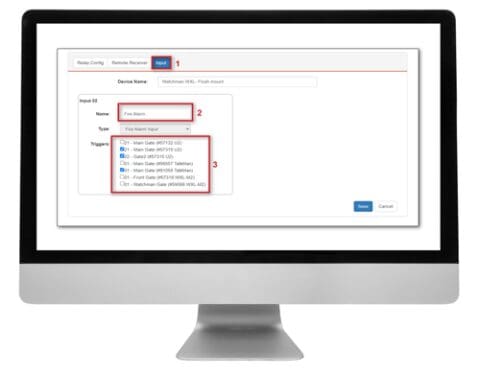
You may now:
Note to installers: A Dry Contact must be used when wiring the fire system to the input.
