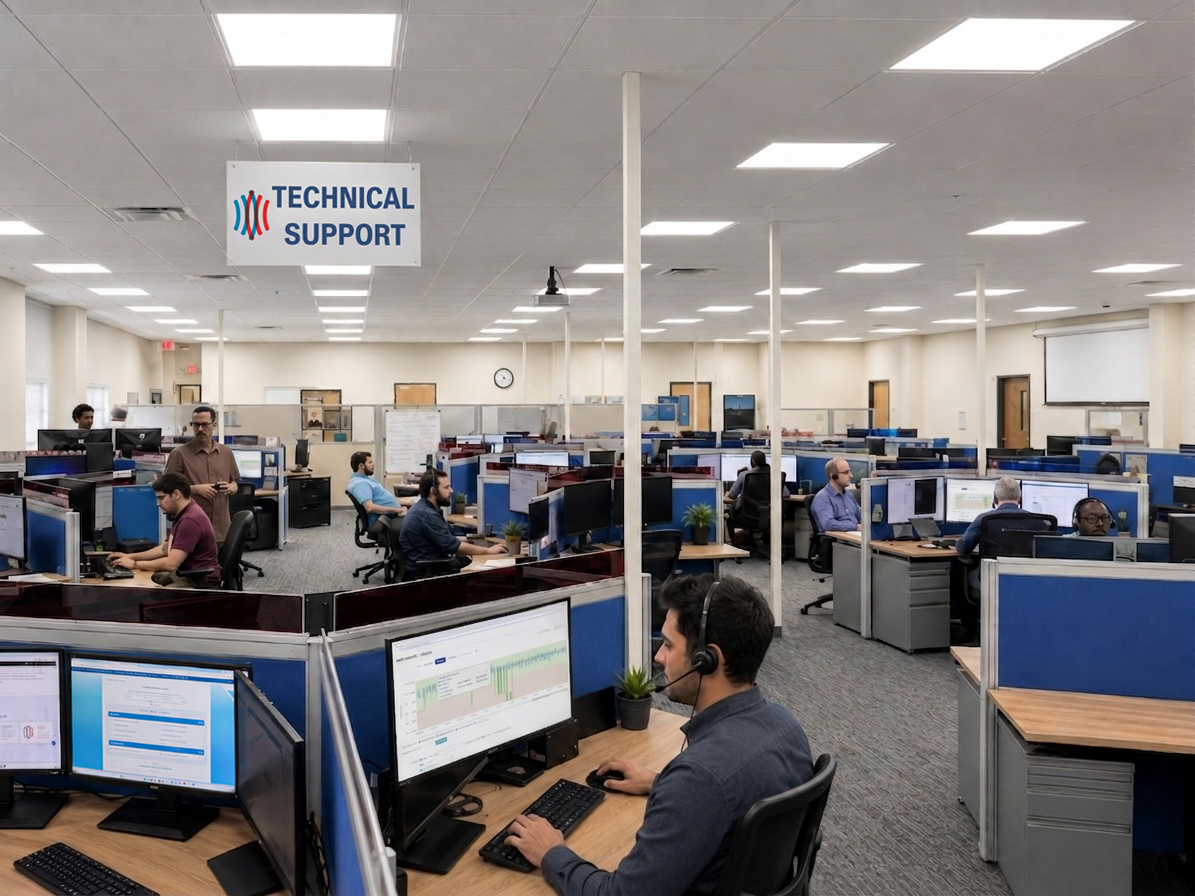
On-demand video link for on-site Technical Support
SignalAssist: Better Support & Quicker Resolutions
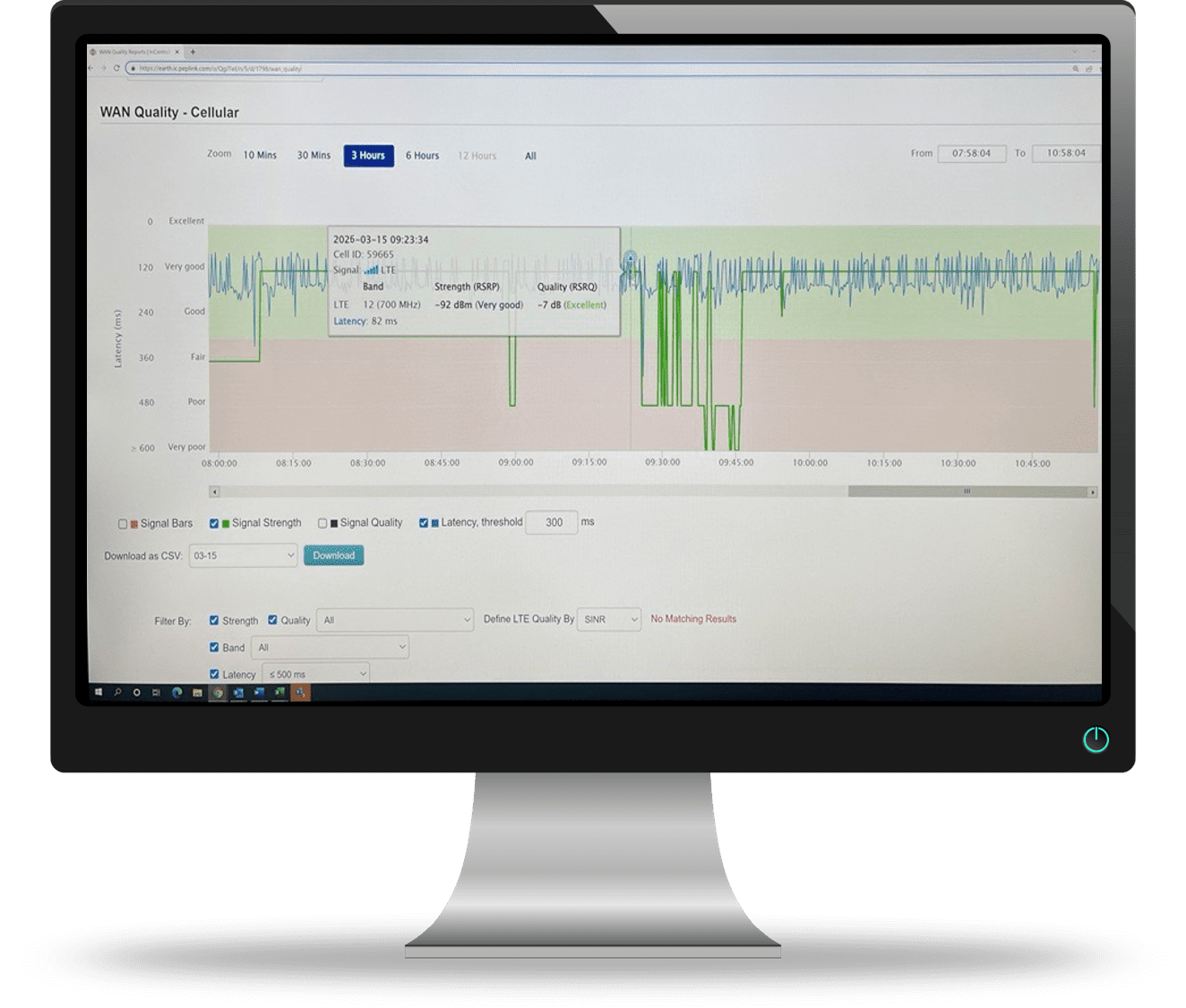
SignalAssist is our Technical Support team’s exclusive cellular router software, used for post-installation cellular signal analysis.
The software analyzes historical cellular signal strength, bandwidth and noise in order to confirm a device’s reliability. It expedites the solution when poor or unreliable cellular signal is detected. We are the only industry manufacturer providing this analysis because our TrueCloud Connect™/static IP system architecture facilitates its use.
SignalAssist Key Features
Analyzes Cellular Signal
Analyzes historical strength, bandwidth & noise to confirm device reliability.
Fact-Based, Faster Solutions
Delivers clear, fact-based solutions and expedites resolution for devices with poor or unreliable cellular signal.
For All CellGate Devices
Available on all newly shipped devices for the 1st 90 days, and on-demand for legacy devices.
Over-the-Air Installation
Installed over-the-air once a dealer calls in with a technical support problem on a device.
When to Use SignalAssist
When a device acts unreliably or signal issues are suspected. For example: a) a device worked well when initially installed, then went offline; b) a device required rebooting several times; or c) any situation where a device is not acting optimally and consistently.
SignalAssist is automatically turned on in newly activated devices for the 1st 90 days. If a dealer has a recently installed device acting unreliably, call Technical Support and a SignalAssist report is generated on the router’s performance since it was turned on (going 30 days back).
On devices activated for more than 90 days, the installing dealer contacts Technical Support and asks that SignalAssist be turned on for up to the next 30 days. The dealer calls back once several days have passed to request a SignalAssist report on the router’s performance from the day SignalAssist was turned on.
Benefits of SignalAssist Include:
Faster Resolutions. Dealers confirm signal reliability and performance with one call to CellGate Technical Support on newly installed devices, and in just two calls on legacy devices, allowing solutions to be discussed more quickly.
Fewer Service Calls. Reduces repetitive on-site service calls caused by unreliable cellular signal.
Signal Software Data Capture. Screenshots of SignalAssist data are shared with end customers to confirm a solution and prove the previous cause of unreliability.
SignalAssist Can Point to One of These Solutions
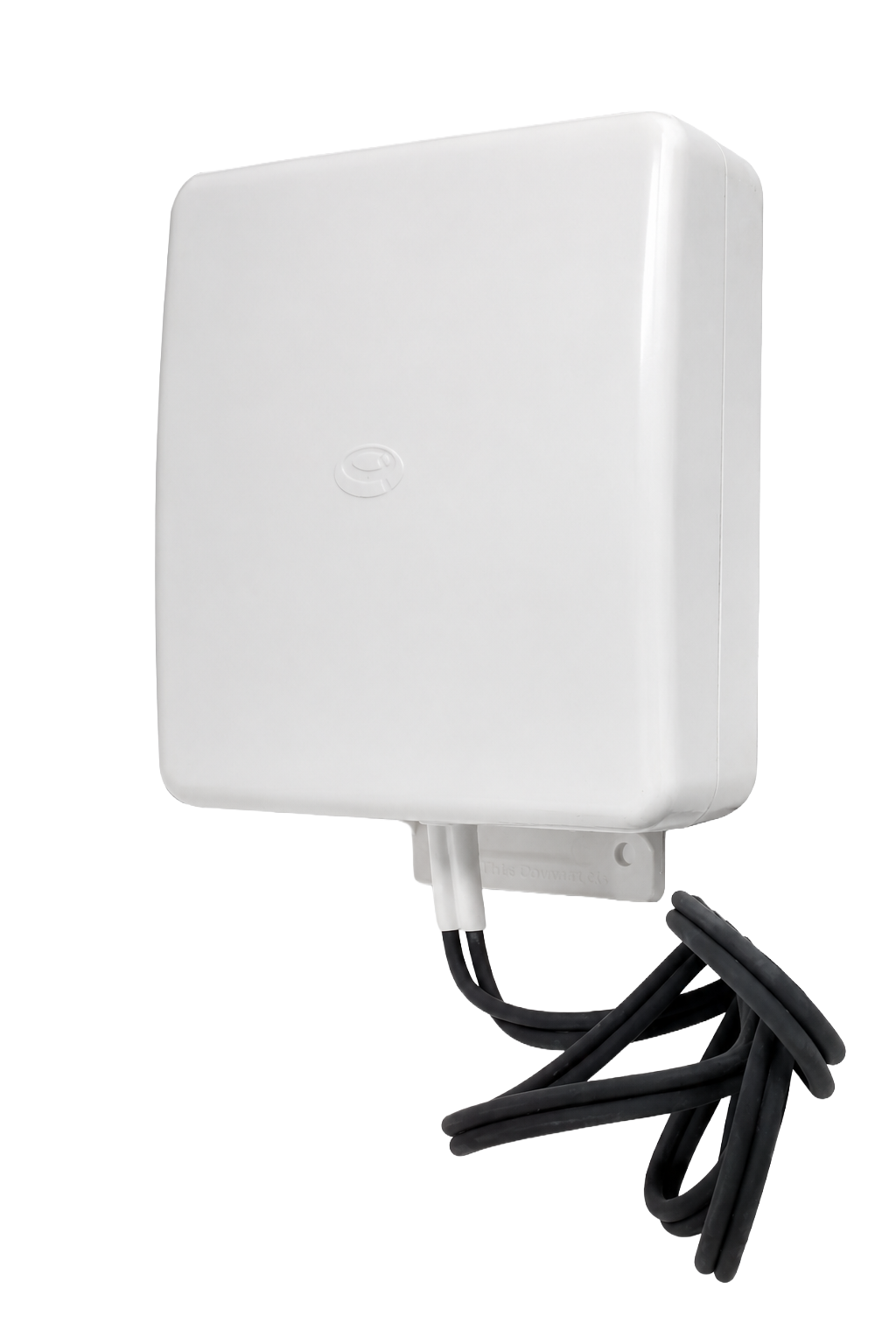
Directional Antenna
A properly installed directional antenna adds bandwidth, reduces system noise, and stabilizes connectivity to a single carrier tower.
Activate Verizon / Deactivate AT&T, or Vice Versa
Because our products ship with dual SIMs, if the original cellular carrier does not have a reliable signal at the location, it is deactivated and the second carrier’s SIM is activated instead.
Hard-Wired Ethernet Connection
If both Verizon and AT&T cellular service are unreliable at the location, a hard-wired internet connection is the alternative.