With our proprietary SmartScreen call management options, multifamily and commercial properties now choose the home screen buttons on these Watchman® models: W461/W462, W480/482, WXL/WXL2.
This functionality adds value to every Watchman solution and makes it simpler for visitors to reach exactly who they need when they arrive at a property.
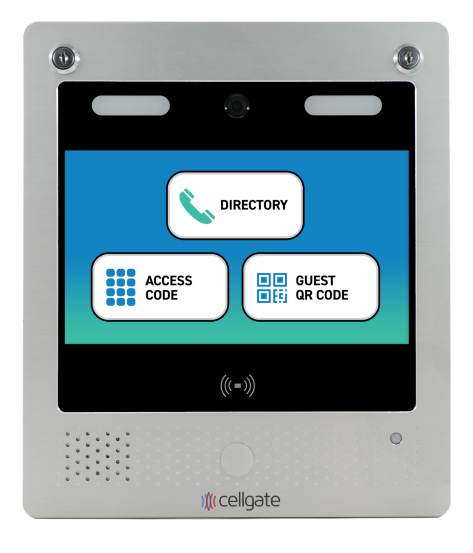
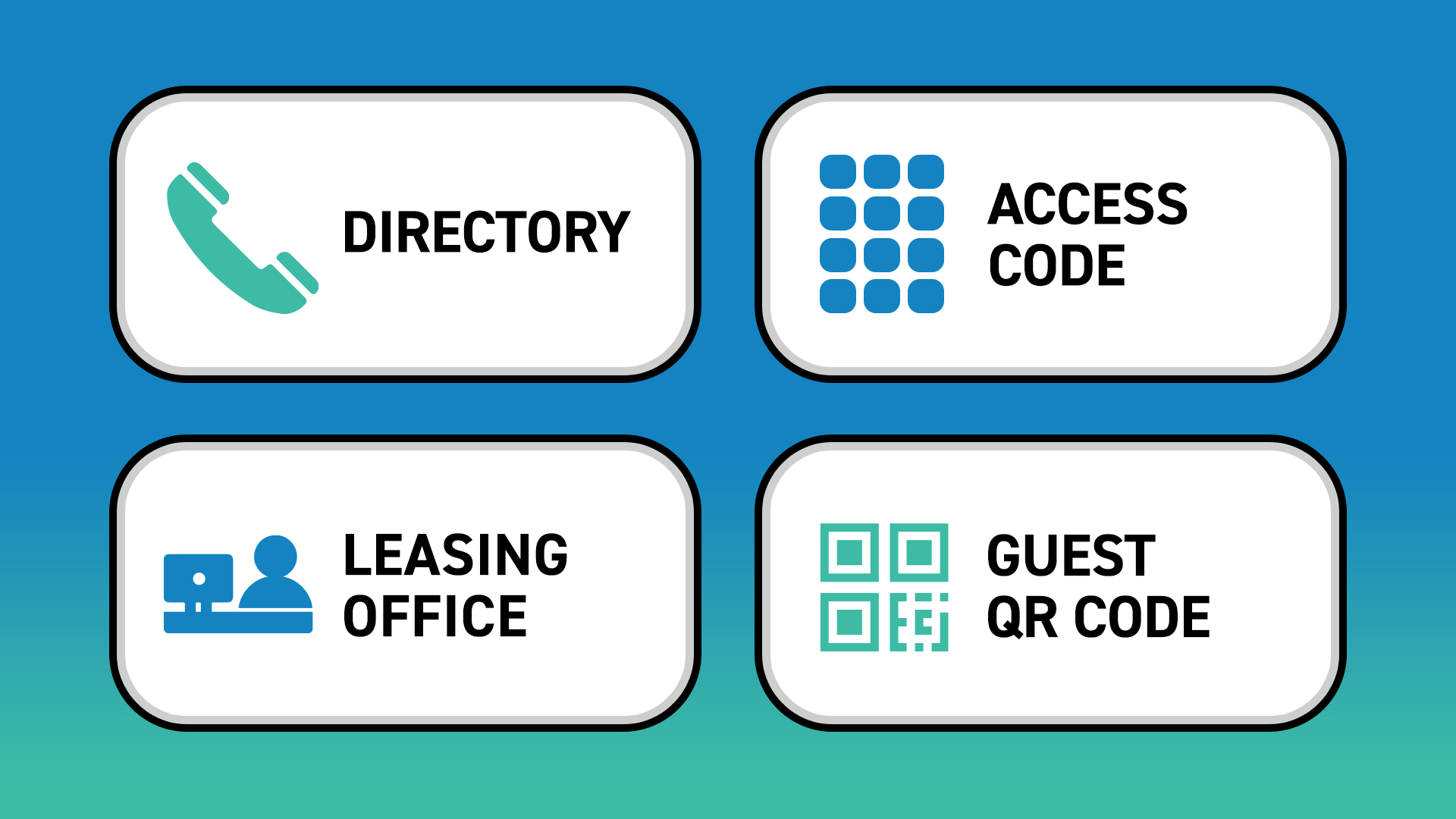
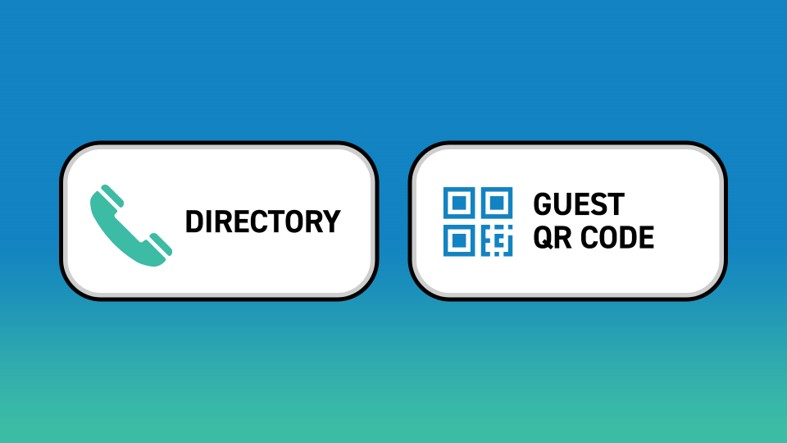
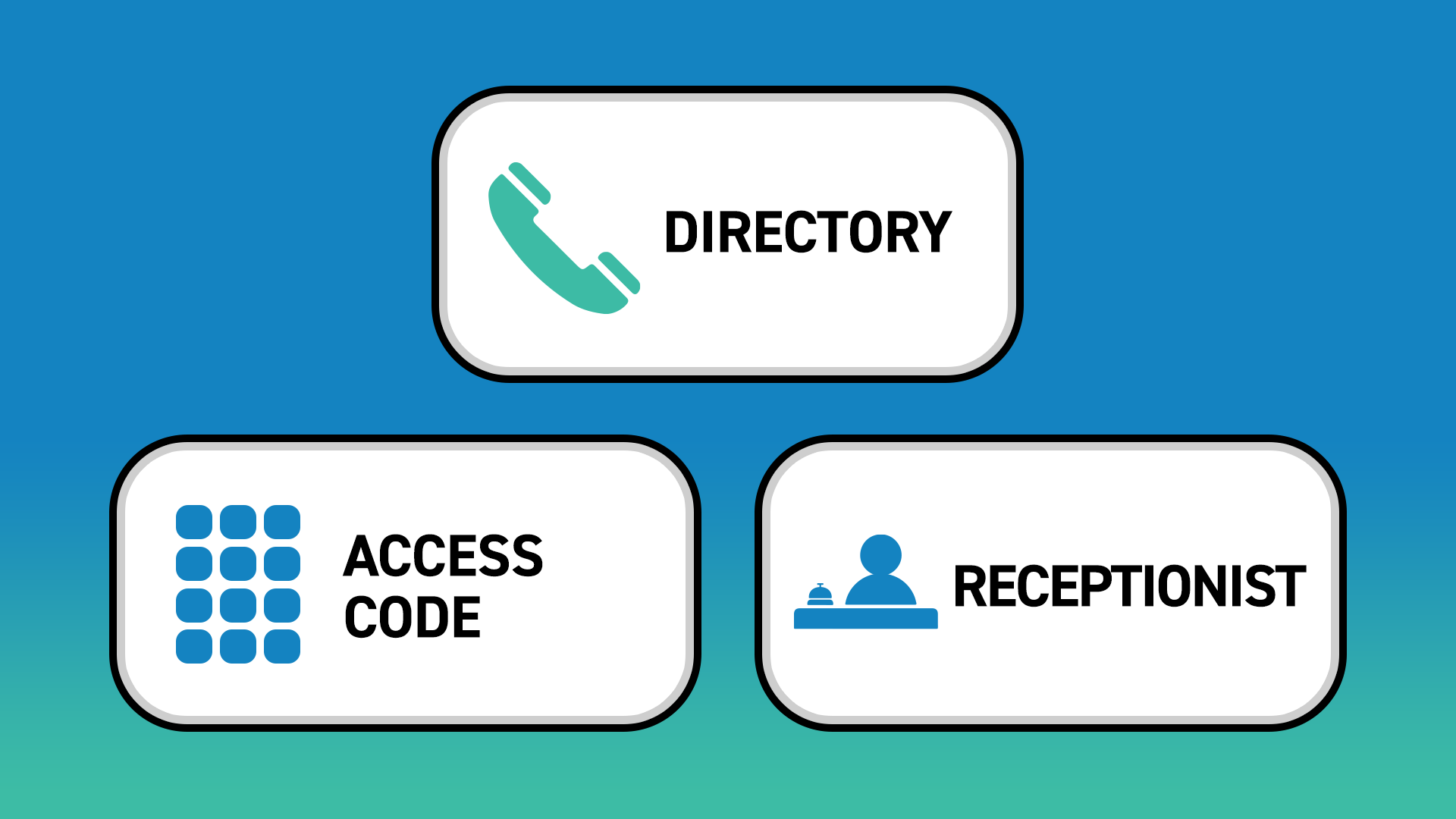
Three standard buttons appear on a Watchman® touchscreen home screen: Directory, Access Code, and Guest QR Code.
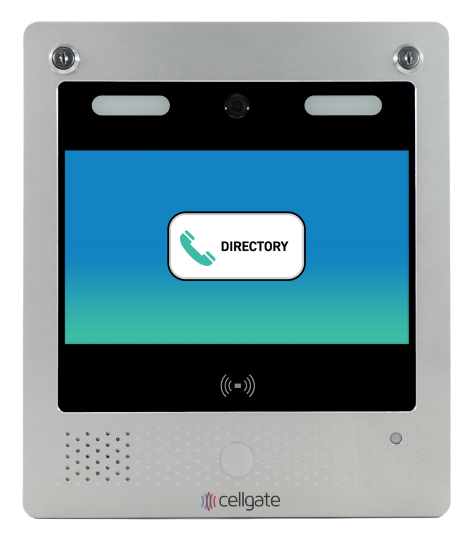
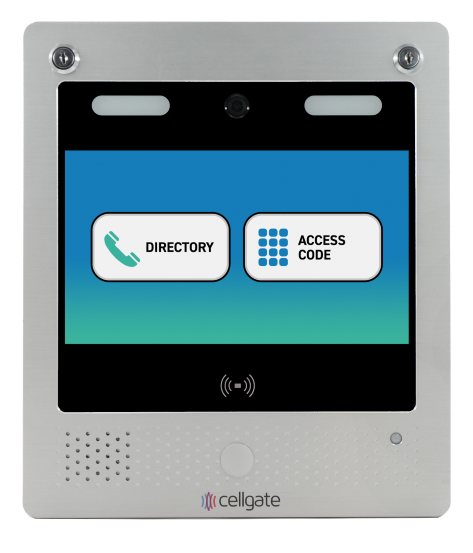
Choose one, two, or three of these buttons to appear, based on your property’s needs.
One Custom Call Group. Any Name You Choose.
Step 1
Choose one of these four icons to best fit your custom call group:
Step 2
Label the custom call group whatever you like. Suggestions include: Front Desk, Property Manager, Leasing Office, Security.
A CellGate Gold Key Service team member configures your SmartScreen custom call group icon and label during account onboarding.
Depending on your property’s needs, Watchman touchscreen models display up to four home screen buttons: up to three standard options plus one custom icon-and-label button.
Example Configurations
Below are several configurations that could work for your property.
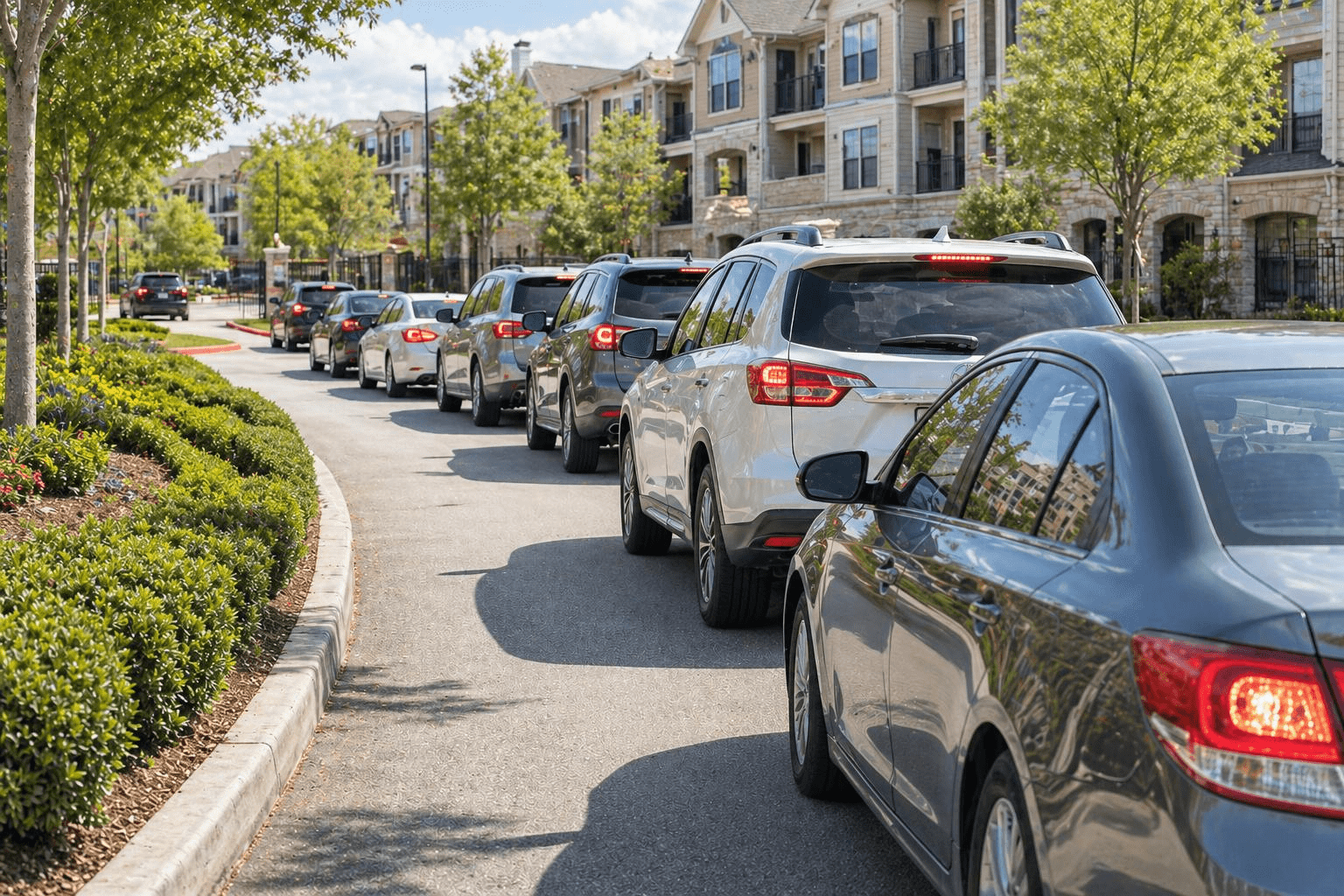
SmartScreen doesn’t just improve usability, it improves traffic flow. With clearly labeled buttons like “Guest QR Code” or “Leasing Office,” visitors gain access quickly without searching through a directory, which reduces delays and keeps entry lanes clear.