
VirtualAssist

On-demand video link for on-site Technical Support

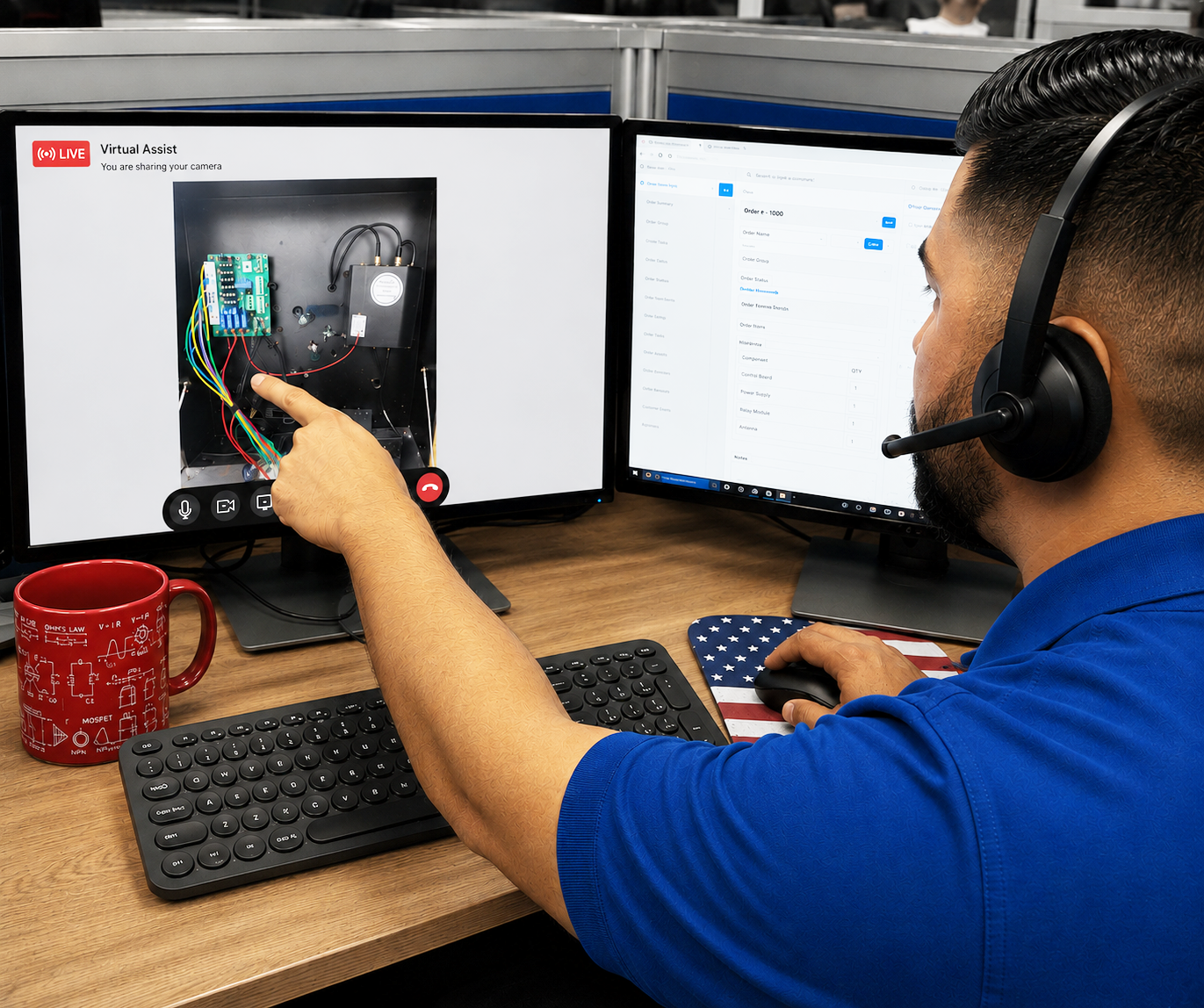
CellGate technical support specialist viewing the live feed on dual monitors
CellGate logomark Technical Support View
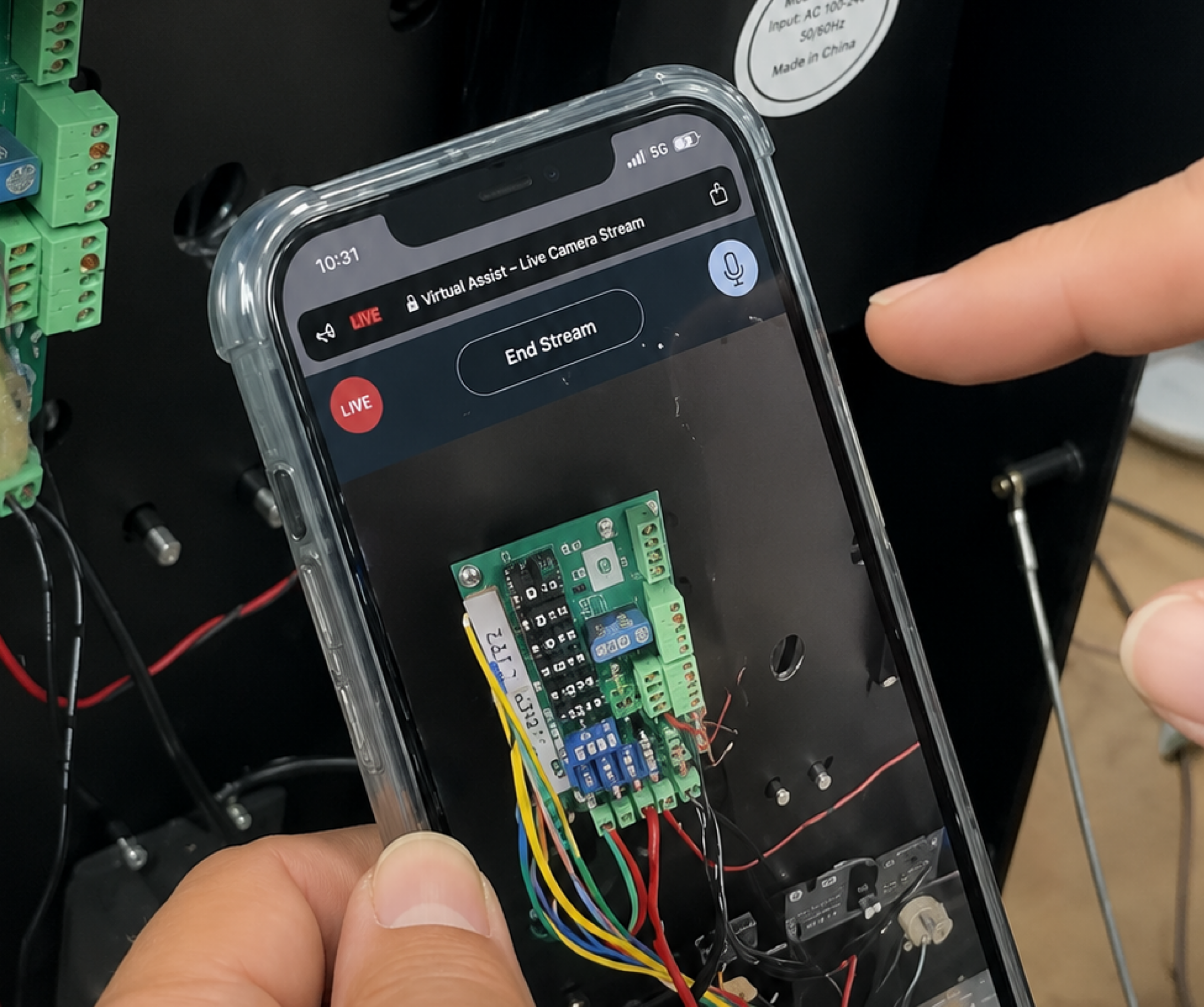
Field technician's phone showing the on-site equipment view
Field Technician’s View

VirtualAssist: Better Support & Quicker Resolutions

It gives CellGate technical support specialists real-time visibility into exactly what installation technicians are seeing and doing, enabling faster troubleshooting, clearer communication, and shorter time on site.

VirtualAssist Is Easy to Use

1

Technical Support sends VirtualAssist link

When a dealer’s technical question runs deep, when they are new to CellGate’s hardware, or when they simply cannot pin down where the trouble lives, our Technical Support Specialists send a VirtualAssist invitation to the technician’s smartphone, requesting access to their camera.
1
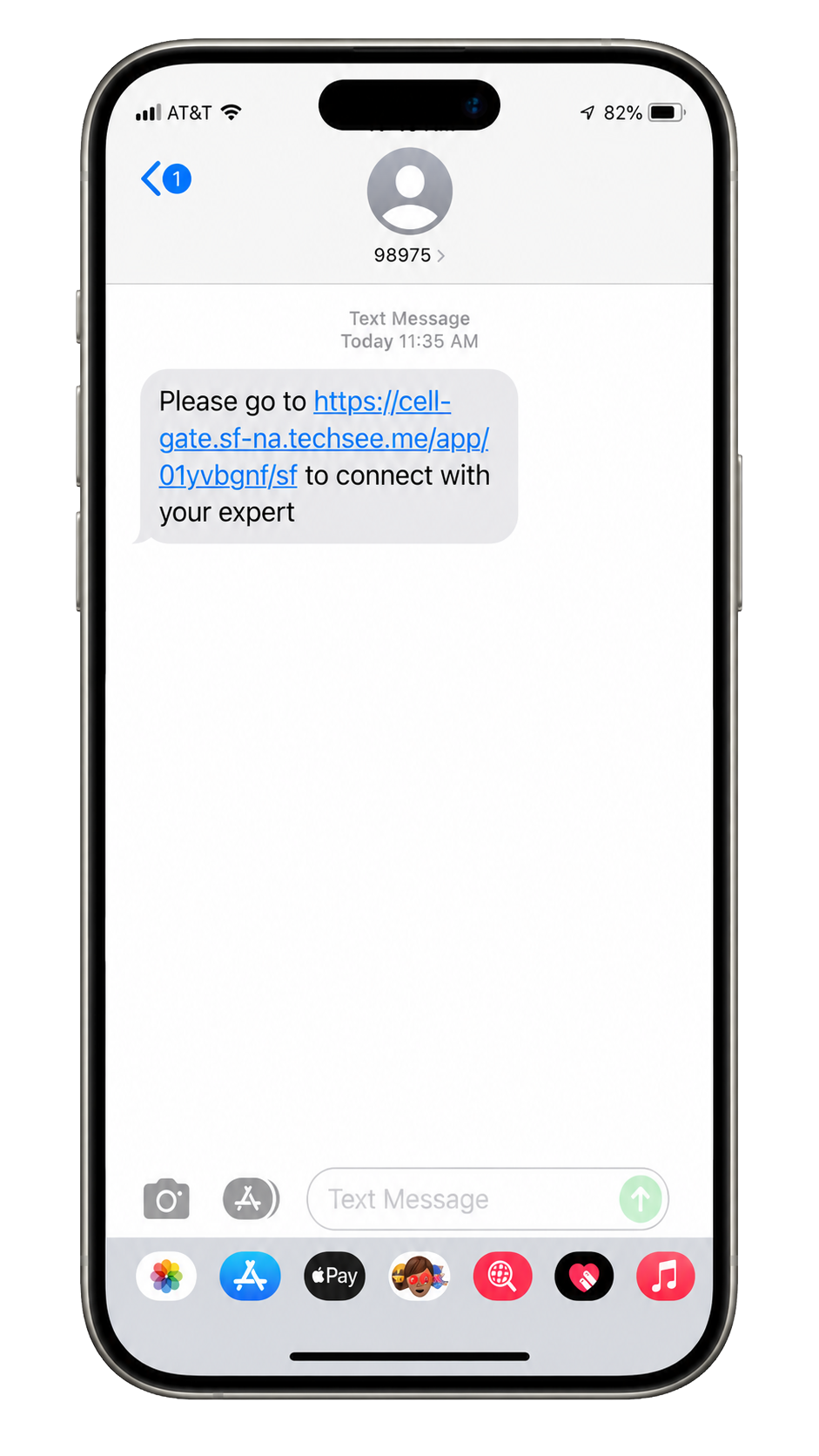
VirtualAssist initial invitation on a smartphone

Initial Invitation

2
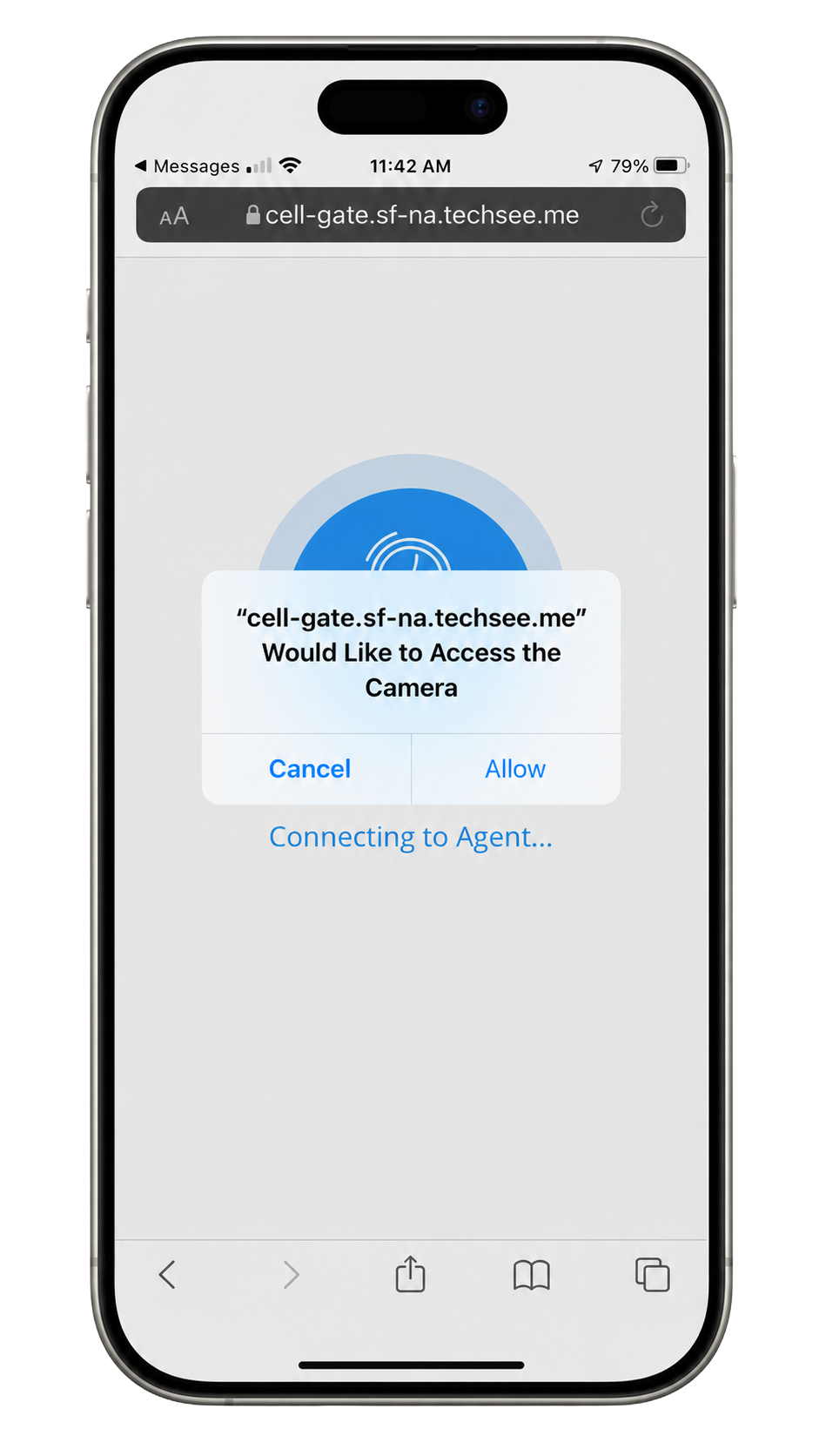
VirtualAssist requesting permission to access the phone camera

Permission to Access Camera

3

Field Technician Shares Their On-Site View
Technical Support Specialist’s view with VirtualAssist

2

Technical Support now has eyes on site

Our Technical Support Specialist can now see exactly what the on-site technician sees, and can direct their activities LIVE.

3

On-Screen Markup

Either our Technical Support Specialist or the field technician can manually markup elements on-screen in order to highlight important areas.

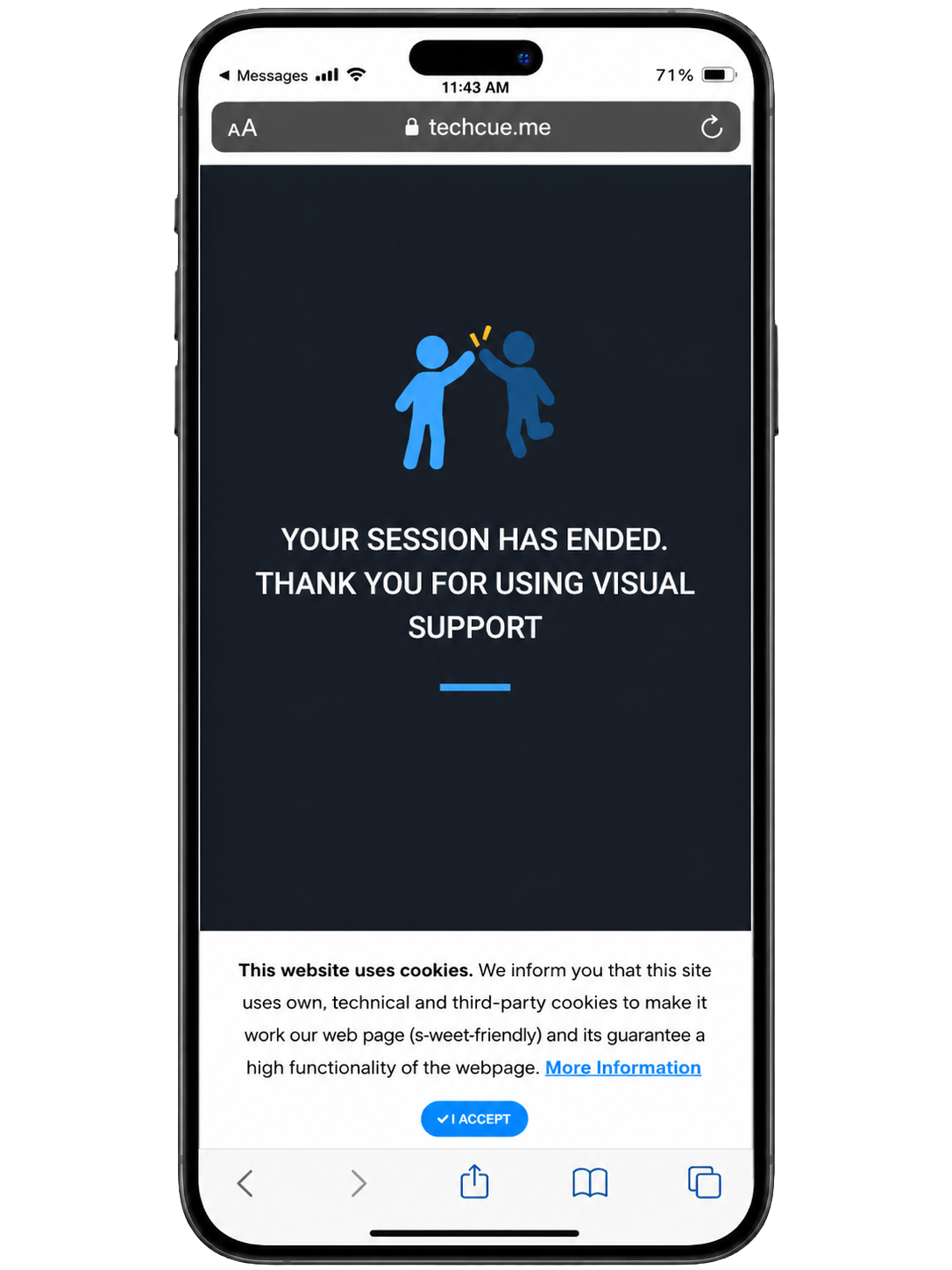
VirtualAssist session ended screen on a smartphone
4

Results in significantly more effective troubleshooting

  • Reduced time on site
  • Less stressful support interactions
  • Improved communication
  • Solutions being reached more quickly

Contact CellGate Technical Support and ask to use VirtualAssist!